Why the TiviMate Google TV Streamer setup works so well
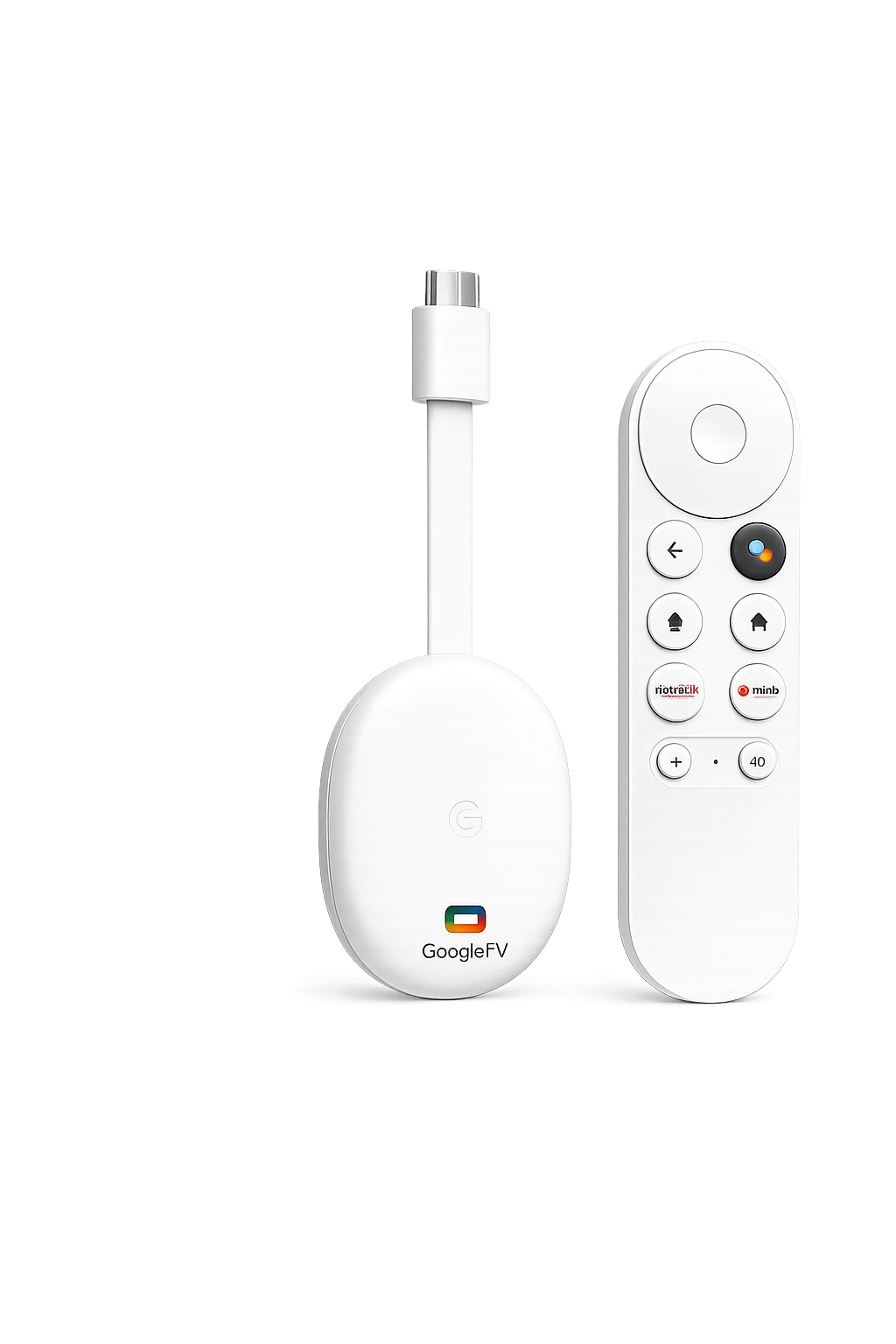
A TiviMate Google TV Streamer setup brings together a large-screen IPTV interface, remote-friendly navigation, playlist support, a structured EPG, and the smoother hardware platform of Google’s streaming box.
A television interface—not a stretched phone app
TiviMate is built around directional navigation, channel groups, favourites, recent channels, and a grid-style programme guide. That makes it easier to use with the Google TV voice remote from across the room.
It supports common playlist methods including M3U, Xtream Codes and Stalker Portal. TiviMate is a player only; it does not provide channels or subscriptions.
How to install TiviMate Google TV Streamer in minutes
Installing TiviMate Google TV Streamer is easiest through Google Play on the device. Use sideloading only when the official store listing is unavailable in your region or account.
Open Apps and search for TiviMate IPTV Player.
Select the official listing and install it.
Add the login details supplied by your provider.
Update EPG, organize groups and test playback.
Open Google Play on the television
From the Google TV home screen, open the Apps tab or use the Assistant search button on the remote.
Search for “TiviMate IPTV Player”
Confirm that you are installing the player—not only the companion or account-management app.
Select Install, then Open
Allow the installation to finish, launch TiviMate and choose “Add playlist.”
Choose your playlist method
Use Xtream Codes, M3U or Stalker Portal according to the credentials supplied by your legal IPTV provider.
Add your IPTV subscription details
Xtream Codes is often the simplest television setup because it separates the server address, username and password. Copy every character exactly and avoid adding spaces before or after the credentials.
After processing finishes, name the playlist clearly and allow the first EPG synchronization to complete before judging channel organization.
Best TiviMate Google TV Streamer settings for smooth playback
For a stable TiviMate Google TV Streamer experience, start with conservative settings. Changing too many playback options at once makes it harder to identify whether an issue comes from the app, network or stream source.
Keeps programme data current when TiviMate opens.
Test it with your television; compatibility differs by model and content.
Usually the best starting point for efficient playback on supported streams.
Use the Streamer’s Ethernet port when Wi-Fi is congested or unstable.
Once or twice daily is normally enough unless your provider advises otherwise.
TiviMate Google TV Streamer vs IPTV Smarters
Many viewers compare TiviMate Google TV Streamer with IPTV Smarters because both can connect compatible IPTV subscriptions, but their interface priorities differ. Choose according to how you watch—not only by app popularity.
| Feature | TiviMate | IPTV Smarters |
|---|---|---|
| Living-room TV interface | Excellent | Good |
| EPG-focused navigation | Strong | Standard |
| Playlist customization | Extensive | Moderate |
| Simple first-time login | Good | Very simple |
| Best fit | Power users and live TV | Quick all-in-one access |
Fix common TiviMate Google TV Streamer problems
Re-enter the server URL, username and password. Check capitalization, spaces, subscription status and whether the server address includes the correct protocol.
Restart the router and Streamer, test Ethernet, close background apps and compare several channels. Persistent buffering can also originate from the stream source.
Run a manual EPG update, verify that the playlist has an assigned EPG source and allow the synchronization to finish.
Try the alternative decoder or external player option for that stream, then restart the app. Avoid changing several settings simultaneously.
Clear temporary cache, remove unused playlists, restart Google TV and confirm that device storage is not almost full.
TiviMate Google TV Streamer FAQ
Can I install TiviMate directly on Google TV Streamer?
Yes. TiviMate IPTV Player is available through Google Play for compatible Google TV and Android TV devices. Search for the player directly from the Apps area.
Does TiviMate include IPTV channels?
No. TiviMate is a media player. You must add playlist credentials from a separate, authorized IPTV service.
Which login method is easiest?
Xtream Codes is usually convenient because you enter a server URL, username and password in separate fields. Use the method supplied by your provider.
Can Google TV Streamer play 4K IPTV?
The device supports up to 4K HDR. Actual stream quality depends on the source, codec compatibility, television, network speed and service stability.
Is Ethernet better than Wi-Fi for IPTV?
Ethernet can provide more consistent performance in congested homes. Strong Wi-Fi can also work well, but stability matters more than headline speed alone.
Is TiviMate Premium required?
The basic player can be tested first. Premium unlocks additional functionality and customization; available features and purchase terms should be confirmed in the official app.