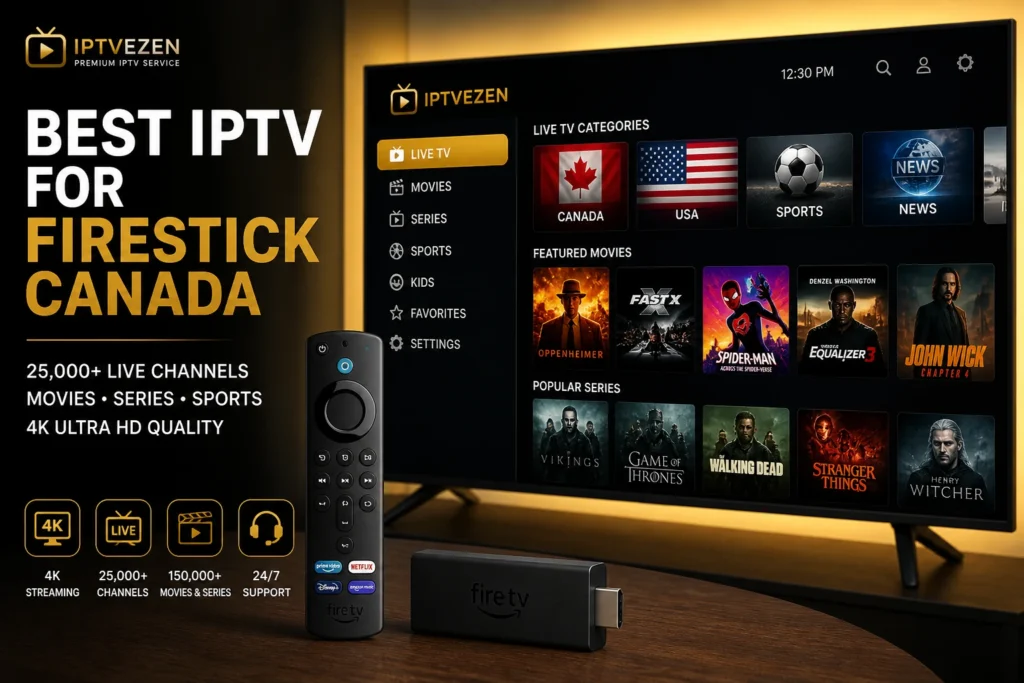
IPTVX Guide Canada Premium Apple IPTV setup, optimized for every screen.
Install IPTVX, add your playlist, configure Apple TV, iPhone, iPad and Mac, refresh EPG data, organize favourites and solve common playback problems.

What Is IPTVX Guide Canada Used For?
IPTVX Guide Canada explains how IPTVX works inside the Apple ecosystem. The app helps users add playlists, organize live TV, movies and series, load EPG data and enjoy a premium viewing experience on Apple TV, iPhone, iPad and Mac.
IPTVX does not include channels. You need a compatible playlist, M3U link, Xtream Codes login or provider details.
Official IPTVX Guide Canada Resources
Before installing the app, search for IPTVX through the official Apple App Store . App availability, pricing and supported features can vary by device, country and current app version.
Apple TV Support and Compatibility
For Apple TV updates, network settings and device troubleshooting, review the official Apple TV Support resources before changing advanced IPTVX settings.
IPTVX Guide Canada Across Your Apple Devices
Use this IPTVX Guide Canada to create the same Apple-focused player experience on the screen that matches your viewing habits.
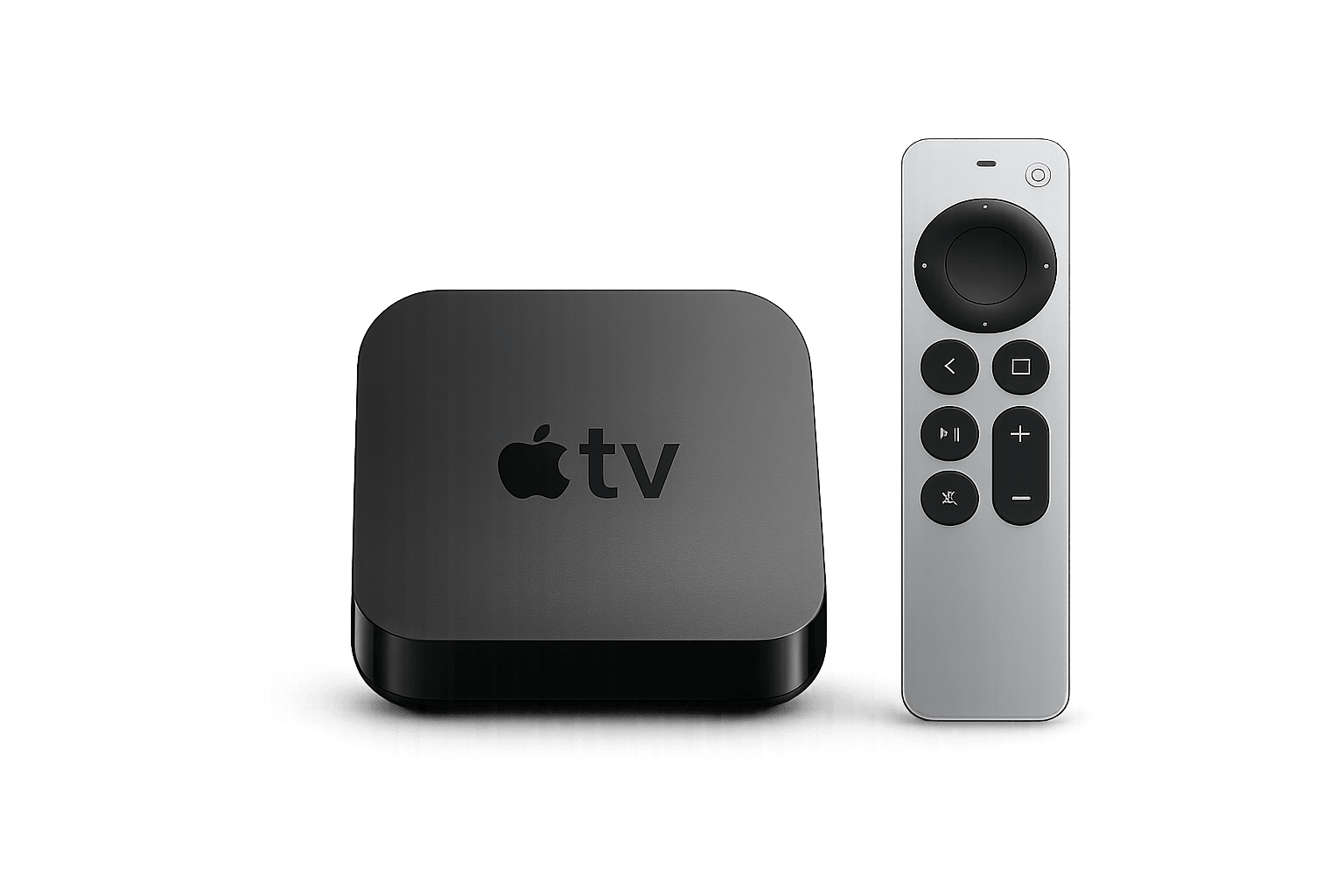
Apple TV
The strongest option for premium big-screen viewing, remote navigation, live sports, movies, series and EPG browsing.
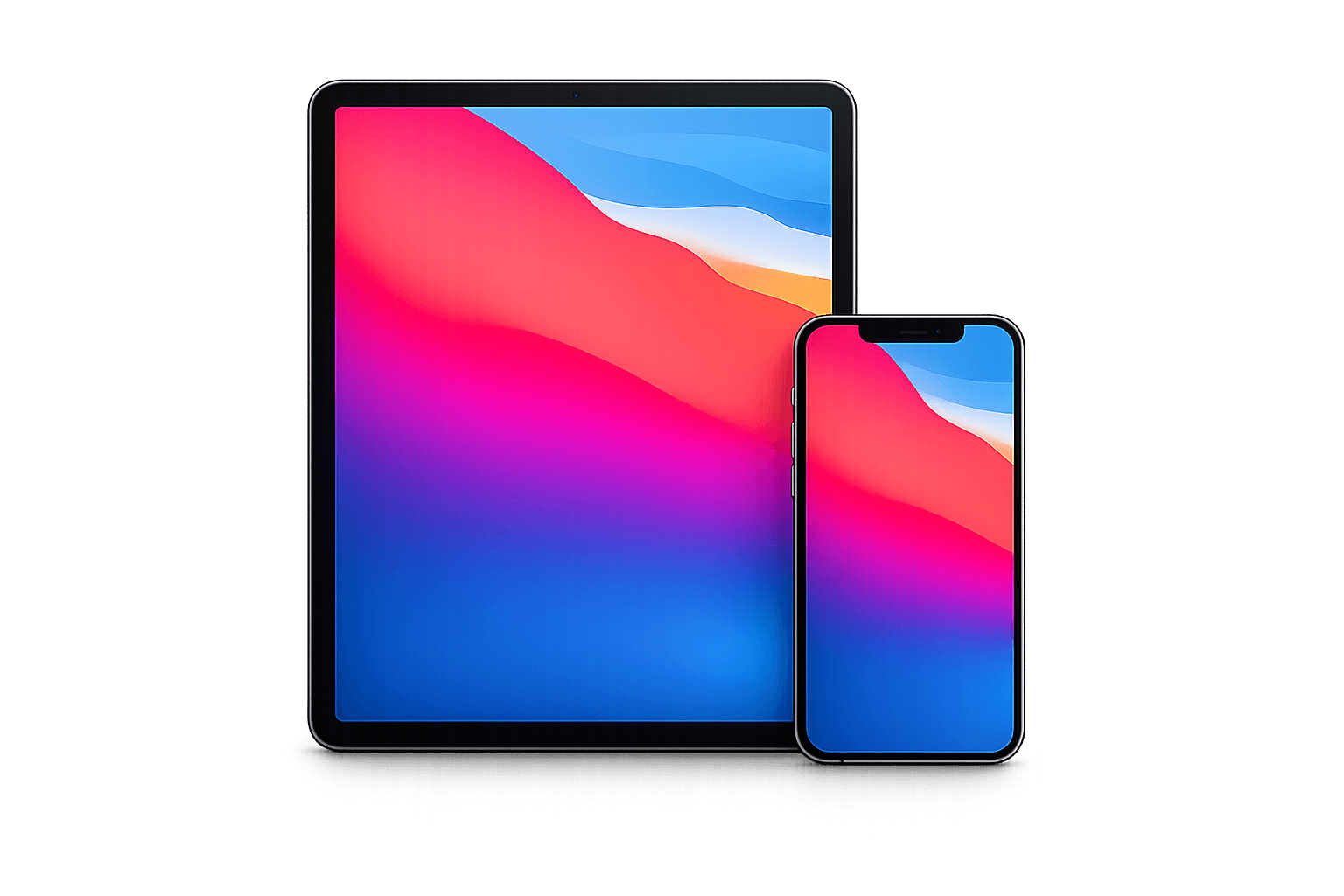
iPhone & iPad
Useful for watching on the go, testing mobile playback, managing playlists and checking channels away from the television.
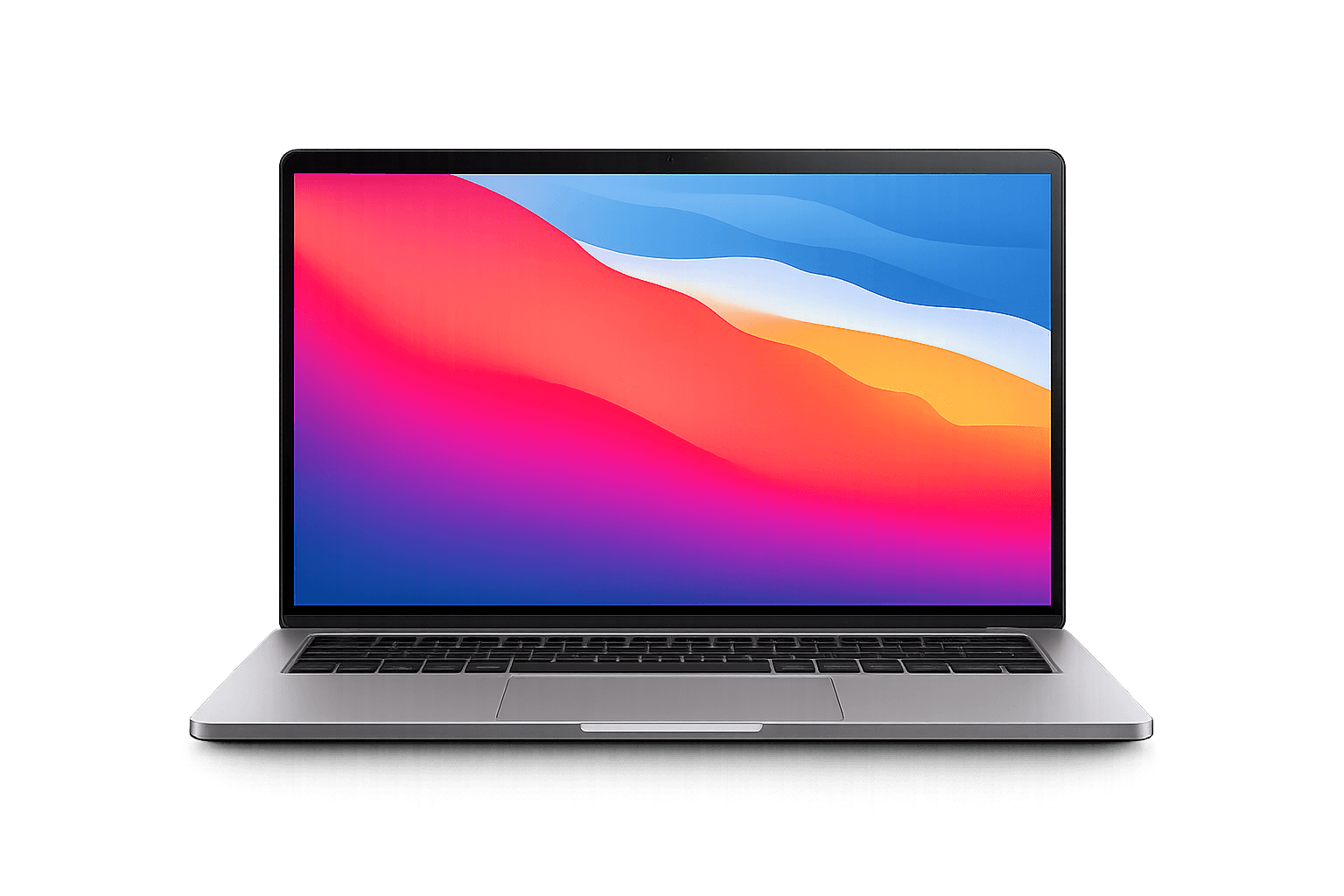
Mac
Watch IPTVX on MacBook, iMac and other compatible macOS devices with a larger workspace and keyboard-friendly navigation.
How to Set Up IPTVX Guide Canada in Six Steps
Follow the IPTVX Guide Canada setup process, add your details and test the experience before choosing a longer subscription.
Install IPTVX
Open the App Store on your Apple device and search for IPTVX.
Open the app
Launch IPTVX and choose the option to add a new playlist or IPTV account.
Add playlist details
Enter your M3U link, Xtream Codes login or provider information.
Load channels and VOD
Allow IPTVX to load live TV, movies, series and channel groups.
Refresh EPG
Refresh guide data when your provider includes EPG support.
Start watching
Test live TV, sports, movies and series using stable Wi-Fi or Ethernet.
Best IPTVX Guide Canada Settings
These IPTVX Guide Canada settings improve navigation, guide accuracy and playback performance on Apple devices.
Player settings
Test default playback first, then adjust player options if you notice black screens, buffering or audio issues.
Refresh EPG
Refresh TV guide data after adding your playlist so program information appears correctly.
Add favourites
Save your most watched sports, Canadian, movie and international channels for faster access.
Use stable internet
Use strong Wi-Fi or Ethernet on Apple TV for smoother HD and 4K IPTV streaming.
IPTVX Guide Canada vs IPTV Smarters
This IPTVX Guide Canada comparison helps you choose based on your device ecosystem and the interface you prefer to use every day.
IPTVX
- Premium Apple-focused interface
- Best fit for Apple TV, iPhone, iPad and Mac
- Strong playlist organization and EPG experience
- Ideal for users who value design and polish
IPTV Smarters
- Works across a broader range of devices
- Simple live TV, movies and series sections
- Common M3U and Xtream Codes setup
- Useful for beginners and mixed-device households
IPTVX Guide Canada Troubleshooting
Use these IPTVX Guide Canada troubleshooting steps before reinstalling the app or changing your entire setup.
Check the server URL, username, password and playlist format for typing mistakes.
Refresh the playlist, restart IPTVX and confirm that your account is active.
Refresh guide data and confirm that your provider includes an EPG source.
Improve Wi-Fi, restart the router, close background apps or try Ethernet on Apple TV.
Refresh content, restart the app and confirm that movies and series are included.
Check device volume, Bluetooth, audio output and test another channel or stream.
Test IPTVX Guide Canada on Your Apple Device
Use IPTVX Guide Canada to test live channels, sports, movies, series, EPG and streaming quality before choosing a premium plan.
IPTVX Guide Canada FAQ
Does IPTVX provide channels?
No. IPTVX is an IPTV player app. You need a compatible playlist or login details from a provider.
Can I use IPTVX Guide Canada on Apple devices?
Yes. IPTVX Guide Canada covers supported Apple devices and explains how to connect a compatible IPTV playlist.
What devices support IPTVX?
IPTVX is commonly used on Apple TV, iPhone, iPad and Mac devices.
Can I add an M3U playlist to IPTVX?
Yes. IPTVX can support playlist-based setup such as M3U links when available.
Why is IPTVX buffering?
Buffering can be caused by weak internet, Wi-Fi problems, app settings or overloaded streams.
Is IPTVX better than IPTV Smarters?
IPTVX is often better for Apple users who want a premium Apple-focused interface, while IPTV Smarters is better for broader device support.