Free IPTV Trial CanadaTest your setup during a 24-hour trial.
Request limited trial access to check device compatibility, player setup and playback on the television and internet connection you use at home. No credit card is required for an eligible trial, and there is no automatic charge afterward.
What should you check during the trial?
A useful test answers practical questions on your normal home setup—not only whether one stream opens for a few seconds.
Device compatibility
Confirm that a suitable player works correctly on your TV, streaming device, phone or computer.
Playback behaviour
Test loading, channel changes, audio synchronization, subtitles and recovery.
Player controls
Try search, favourites, the programme guide and remote-control navigation.
Support quality
Ask one real setup question and judge whether the answer is clear and realistic.
How to request trial access
Tell us which device you use
Share the exact TV or streaming-device model when possible.
Confirm availability
Support confirms trial availability and the 24-hour testing period before activation.
Install a compatible player
Use an official app store or another trusted source.
Enter the provided access details
Follow the setup instructions and keep the credentials private.
Test under normal conditions
Use the same room, network and viewing hours you normally use.
Confirm the setup on the exact device you use.
Compatibility depends on the device and selected player. App availability can vary by model, operating system and region. During your Free IPTV Trial Canada, confirm that the player available for your exact device responds properly before choosing a paid plan.
Before installing a player on Apple TV, check current app availability in the official Apple App Store for TV.
| Platform | What to confirm |
|---|---|
| Fire TV Stick | App installation, remote navigation, storage and Wi-Fi stability |
| Android TV / Google TV | Player responsiveness and guide loading |
| Samsung Smart TV | Tizen app availability for the exact model |
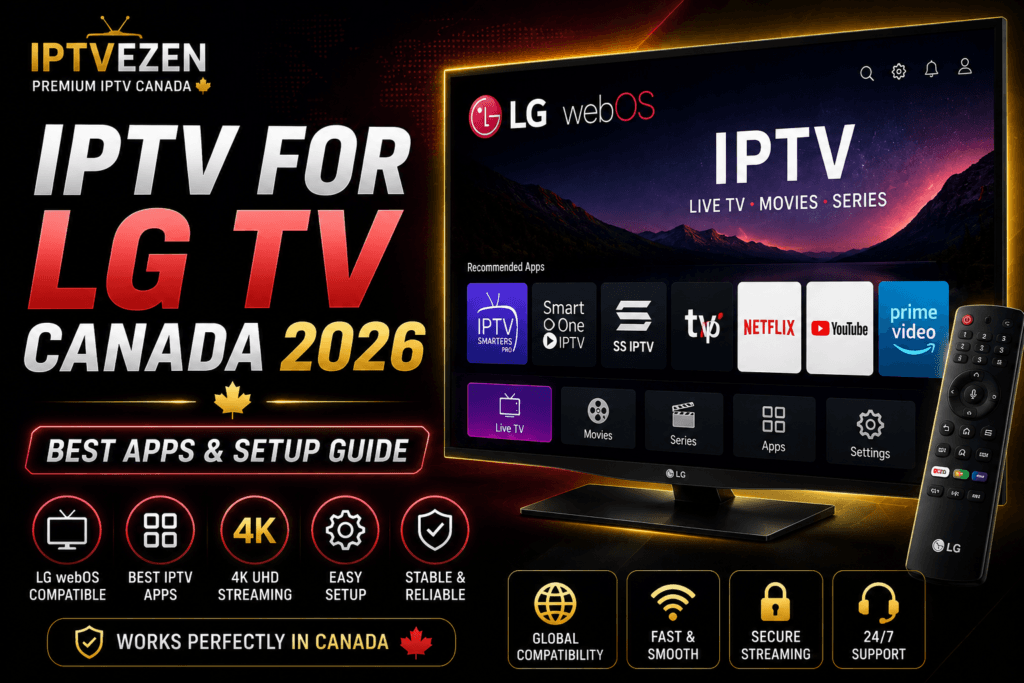
| LG Smart TV | webOS app availability and remote-control behaviour |
| Apple TV | tvOS player compatibility, subtitles and audio controls |
| Windows / macOS | Trusted player source and full-screen playback |
| Formuler / NVIDIA Shield | Device-specific features, Ethernet and remote navigation |
| Phone / tablet | App compatibility and casting behaviour if needed |
Test the connection—not only the advertised speed.
Wi-Fi quality, congestion, packet loss and other devices can affect playback even when a speed test looks fast. Test during your normal viewing hours and compare Ethernet with Wi-Fi when possible.
Know the conditions before testing.
- Trial access is limited and subject to availability.
- Eligible trials last 24 hours; access is subject to availability.
- No credit card is required for an eligible trial.
- The trial creates no automatic subscription or recurring charge.
- App-store charges or optional premium-player fees, if any, are separate.
- Content, programme-guide, subtitle and audio availability can change.
Free IPTV Trial Canada FAQ
Is the IPTV trial free?+
Eligible trial access is provided without a charge and does not require a credit card. Availability must be confirmed before activation.
How long does the trial last?+
Eligible trial access lasts 24 hours; availability is confirmed through support before activation.
Which devices can I test?+
Common options include Fire TV Stick, Android TV, Google TV, compatible Samsung and LG TVs, Apple TV, Formuler, NVIDIA Shield, Windows, macOS, phones and tablets.
Will I be charged when the trial ends?+
No. The trial does not create an automatic payment or recurring subscription.
Test the setup you will actually use.
Confirm availability, install a compatible player and evaluate playback on your own device and home connection.
Limited access · Subject to availability · No automatic payment