TiviMate Guide Canada for Firestick & Android TV
TiviMate is one of the most popular IPTV player apps for Firestick, Android TV, Google TV, Android Box, and Nvidia Shield users in Canada. This guide explains what TiviMate is, which devices work best, how to set it up, and when it is worth using with your IPTV subscription.
Is TiviMate the Best IPTV Player in Canada?
TiviMate is one of the best IPTV players in Canada for Firestick, Android TV, Google TV, Android Box, and Nvidia Shield. It is especially strong for live TV, channel groups, favourites, EPG guide layout, and a premium TV-style interface. If you use Samsung TV, LG TV, Apple TV, iPhone, or Windows, another IPTV app may be a better fit.
What This TiviMate Guide Covers
Use this guide to decide whether TiviMate is the right IPTV player for your device.
What Is TiviMate?
TiviMate is an IPTV player designed for Android TV devices and remote-control navigation, not touch devices. TiviMate confirms that it does not provide or host channels. Instead, it lets you add IPTV login details, playlists, or Xtream Codes credentials from your IPTV provider. Once connected, TiviMate becomes the interface where you can watch live TV, organize channel groups, browse the TV guide, manage favourites, and use playlist features when supported.
The reason many Canadian IPTV users like TiviMate is simple: it feels like a premium TV interface. On Firestick and Android TV, it is easier to browse live channels compared with many basic IPTV apps. It is especially useful if your main goal is live TV rather than only movies or series.
If you are still comparing apps, start with our full guide to the Best IPTV Apps Canada. If you already know you want to test your device, you can request a Free IPTV Trial Canada.
Best Devices for TiviMate in Canada
TiviMate works best on Android-based TV devices. Here are the strongest device matches.
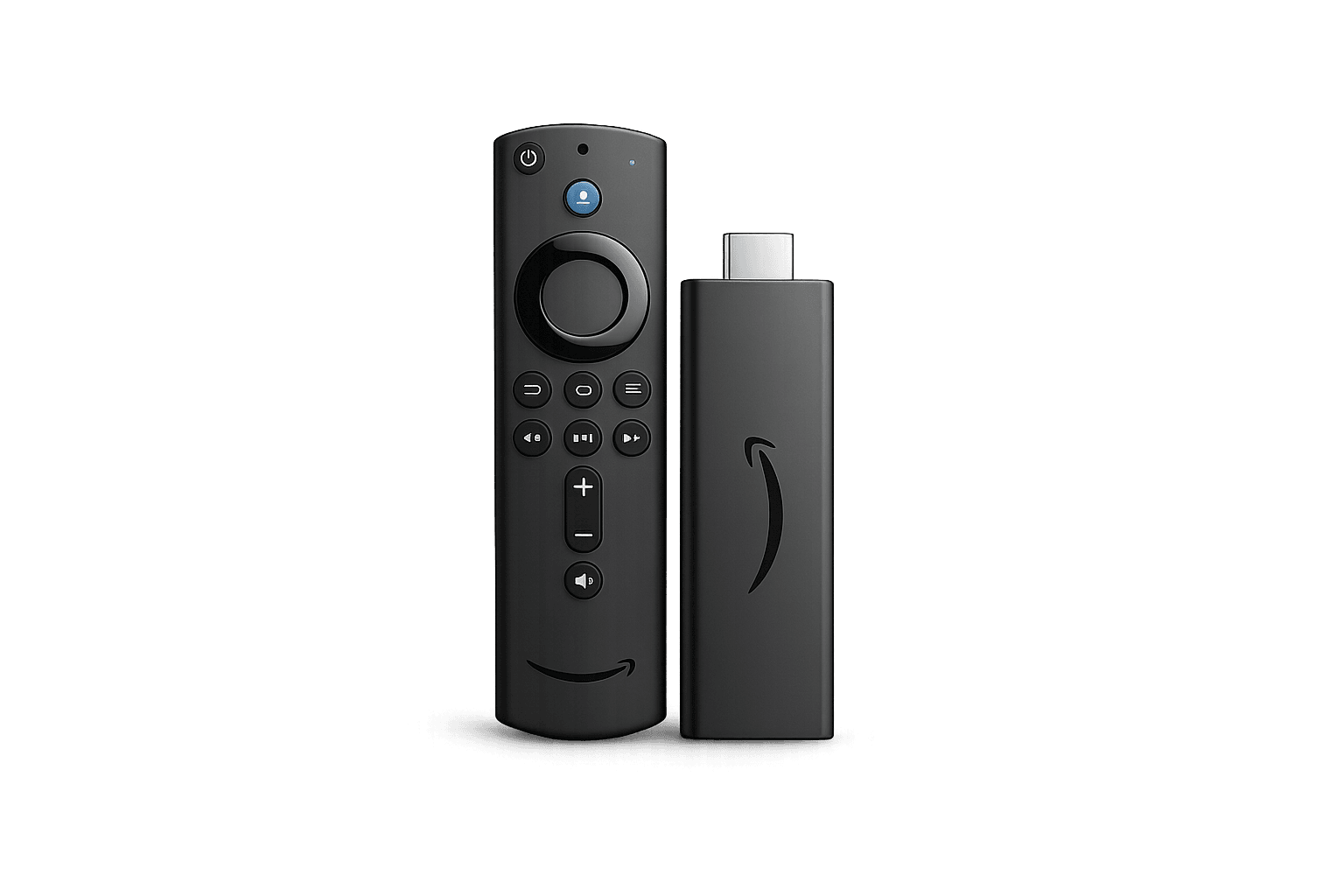
FirestickBest overall TiviMate setup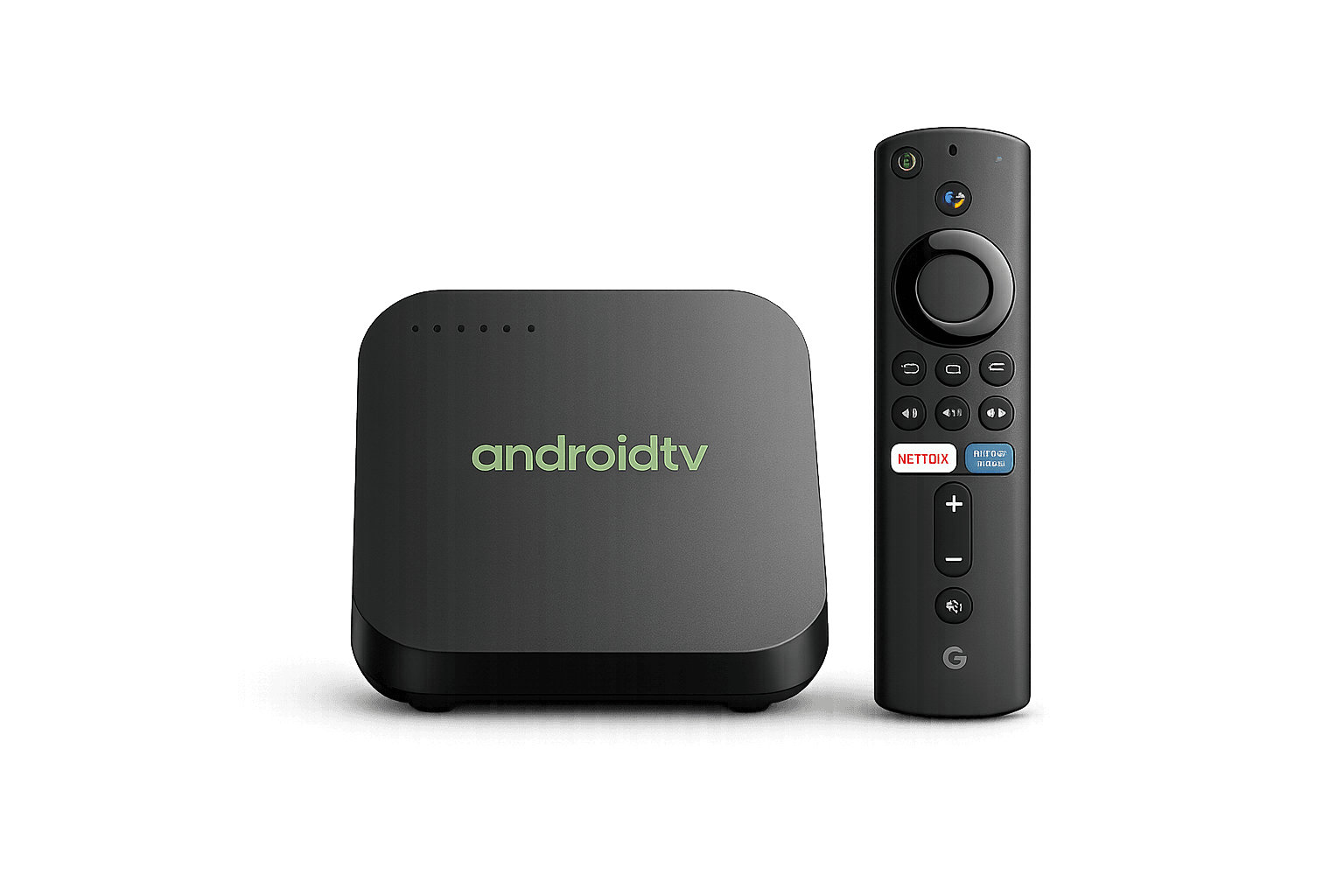 Android TVSmooth TV-style experience
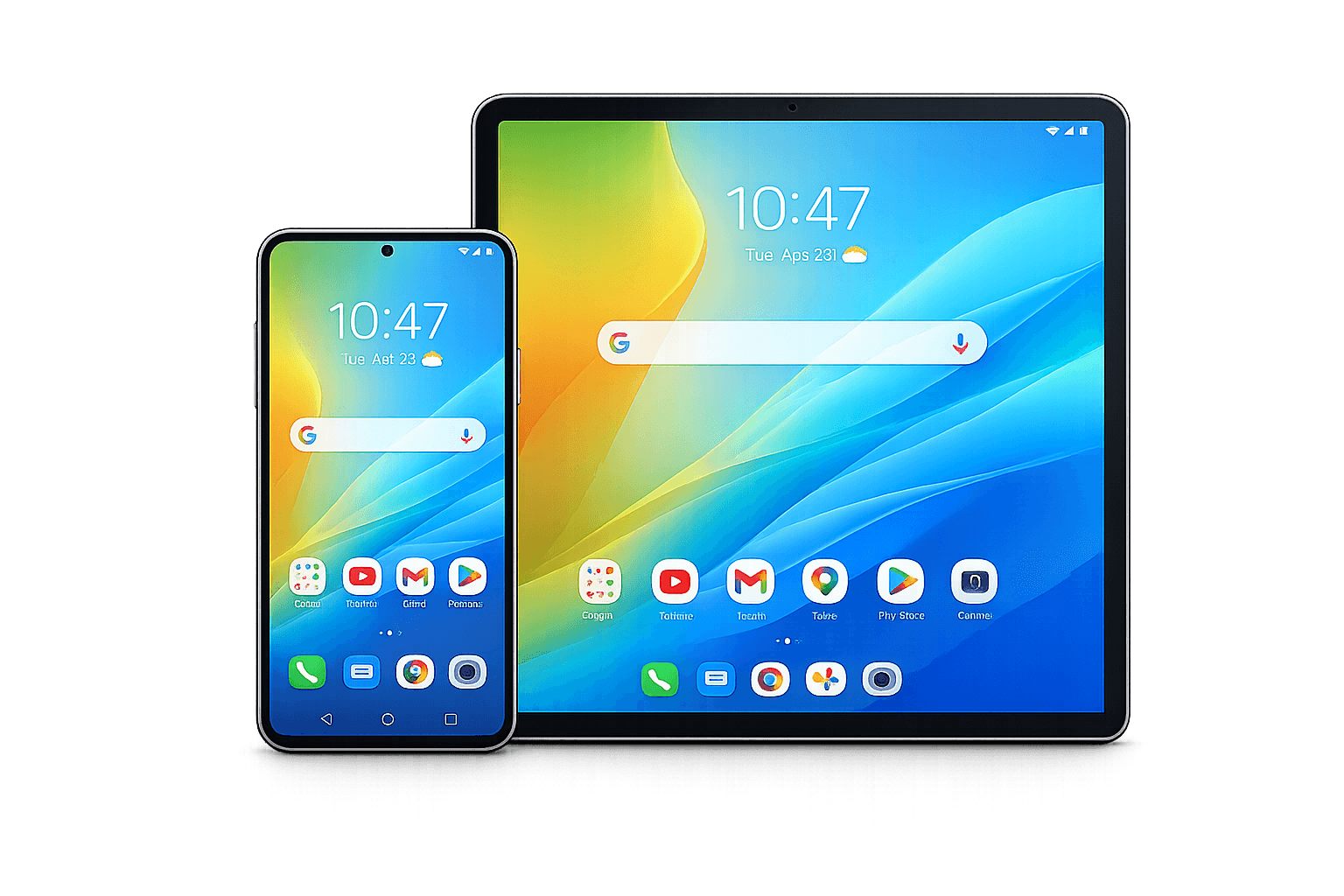 Android DevicesNot optimized for touch devices
 WindowsUse IPTV Smarters or another player
Why IPTV Users Like TiviMate
TiviMate is popular because it makes IPTV feel like a premium TV service interface.
TV-Style Interface
TiviMate is designed for remote control navigation, which makes it excellent for Firestick and Android TV users.
EPG Guide
The guide layout is one of TiviMate’s biggest strengths, especially for users who browse live channels often.
Favourites
You can organize frequently watched channels and make your playlist easier to use every day.
Groups
Channel groups help organize categories such as sports, movies, kids, news, and international channels.
Smooth Navigation
On good Android-based devices, TiviMate feels fast and comfortable compared with many generic apps.
Advanced Settings
Premium users can unlock more customization, playlist management, and interface controls.
How to Set Up TiviMate in Canada
The exact setup steps can vary depending on your device, IPTV provider, and login format. In most cases, you install TiviMate on your Android-based device, open the app, and add your IPTV details using the login method provided by your IPTV service.
Step 1: Choose a Compatible Device
TiviMate is best on Firestick, Android TV, Google TV, Android Box, and Nvidia Shield. If you use Samsung TV, LG TV, Apple TV, Windows, Mac, iPhone, or iPad, you may want another app from our Best IPTV Apps Canada guide.
Step 2: Install TiviMate
On Android TV or Google TV, install TiviMate IPTV Player from Google Play and check that the developer is Armobsoft FZE. On Firestick, use the official TiviMate download instructions and follow your device settings carefully.
Step 3: Add Your IPTV Login Details
Your IPTV provider should give you the correct login details or playlist format. TiviMate can support common IPTV login methods, depending on the provider and plan.
Step 4: Test Channels and EPG
After login, test live channels, groups, EPG, playback quality, and remote navigation. If you want to test before choosing a paid plan, request a Free IPTV Trial Canada.
Common TiviMate Issues
Most TiviMate problems come from login details, internet speed, app settings, or playlist format.
Login Not Working
Double-check the username, password, server URL, and whether your IPTV plan is active.
Buffering
Restart your router, test your internet speed, use Ethernet where possible, and close background apps.
EPG Missing
Refresh the guide, confirm EPG support from your provider, and check playlist settings.
Channels Not Loading
Check if the playlist is active, confirm device connection, and test a different player if needed.
App Feels Slow
Clear cache, restart the device, and make sure your Firestick or Android TV has enough free storage.
Wrong Device
If your device is not Android-based, choose IPTV Smarters, IPTVX, or IBO Player instead.
Ready to Test TiviMate?
Start with a free trial, confirm your device compatibility, then choose the IPTV plan that fits your home setup.
TiviMate Guide Canada FAQ
Common questions about using TiviMate in Canada.
Is TiviMate the best IPTV player for Firestick?
Yes, TiviMate is one of the best IPTV players for Firestick because it has a premium TV-style interface, good EPG layout, and smooth remote control navigation.
Does TiviMate work on Samsung TV?
TiviMate is mainly for Android-based devices. Samsung TV users usually need an app such as IBO Player, SmartOne IPTV, or IPTV Smarters depending on app availability.
Does TiviMate work on LG TV?
TiviMate is not normally the best option for LG Smart TV. LG users usually use Smart TV IPTV apps such as IBO Player or similar options.
Does TiviMate include channels?
No. TiviMate is an IPTV player. It does not usually include channels by itself. You need IPTV login details or a playlist from your provider.
Is TiviMate free?
TiviMate has a free version with limited features and a premium version with more controls and advanced options.
What devices are best for TiviMate?
The best devices for TiviMate are Firestick, Android TV, Google TV, Android Box, and Nvidia Shield.
Can I test TiviMate before buying IPTV?
Yes. You can install TiviMate and request a free IPTV trial to check device compatibility before choosing a paid plan.
What is the best alternative to TiviMate?
Good alternatives include IPTV Smarters for all-around compatibility, IPTVX for Apple TV, and IBO Player for Samsung or LG Smart TV.
Continue Learning
Use these pages to compare apps, plans, and device setup options.