Get Instant Access
Best IPTV Box Canada

Best IPTV Box Canada for Android TV, IPTV Apps & 4K Streaming

Looking for the Best IPTV Box Canada? Compare the best Android TV boxes for IPTV, Google TV devices, Fire TV Stick alternatives, IPTV apps, live TV, sports, movies and 4K streaming before choosing the right IPTV setup for your home in Canada.

Android TV Ready 25,000+ Live Channels 120,000+ VOD HD / FHD / 4K
Updated July 2026 Reviewed by the IPTVEZEN Team Built for Canadian ViewersUpdated monthly for device compatibility
Best IPTV Box Canada 2026 for Android TV and 4K streaming
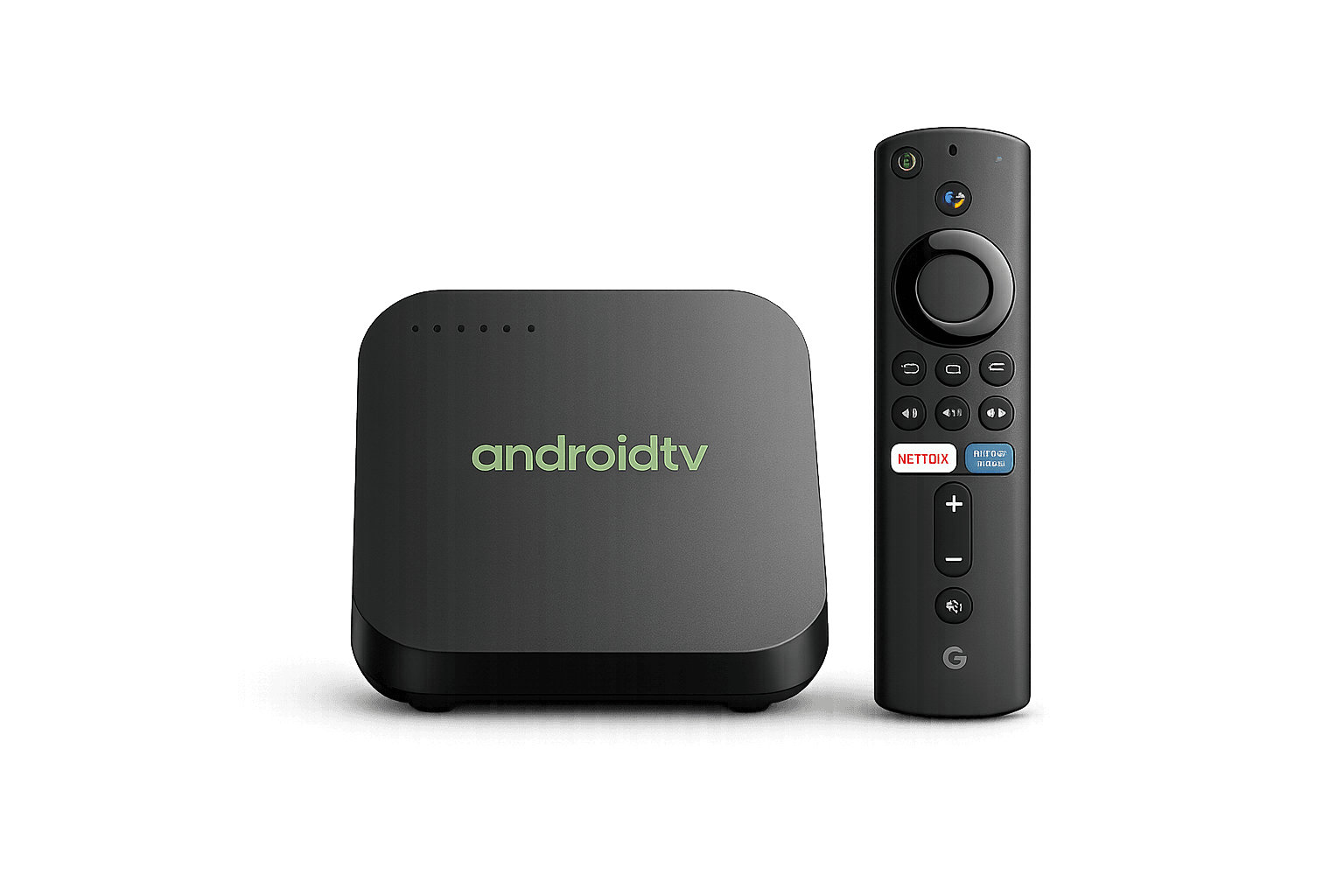
Best IPTV Box Canada Android TV device Android TV
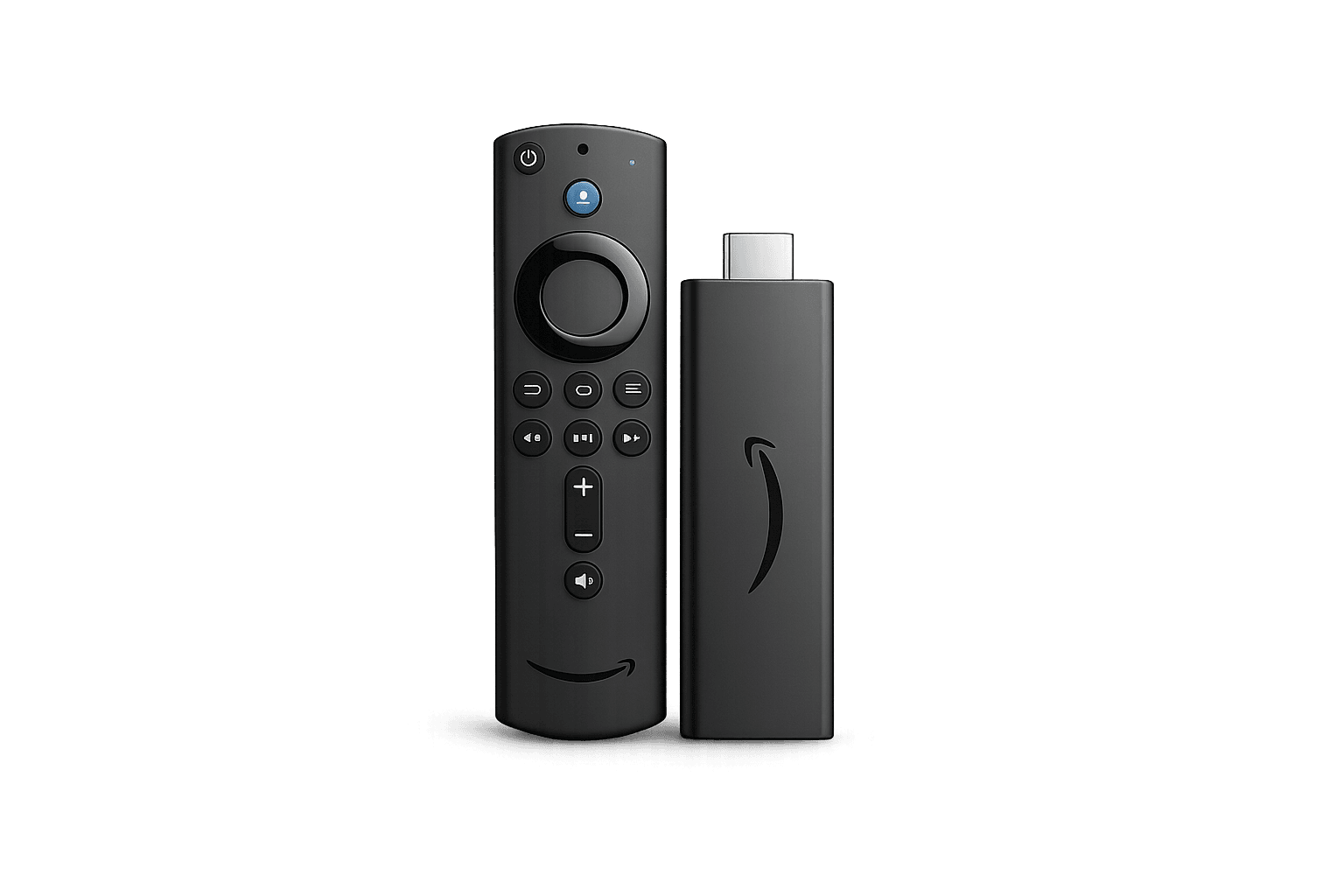
Best IPTV Box Canada Firestick alternative Firestick
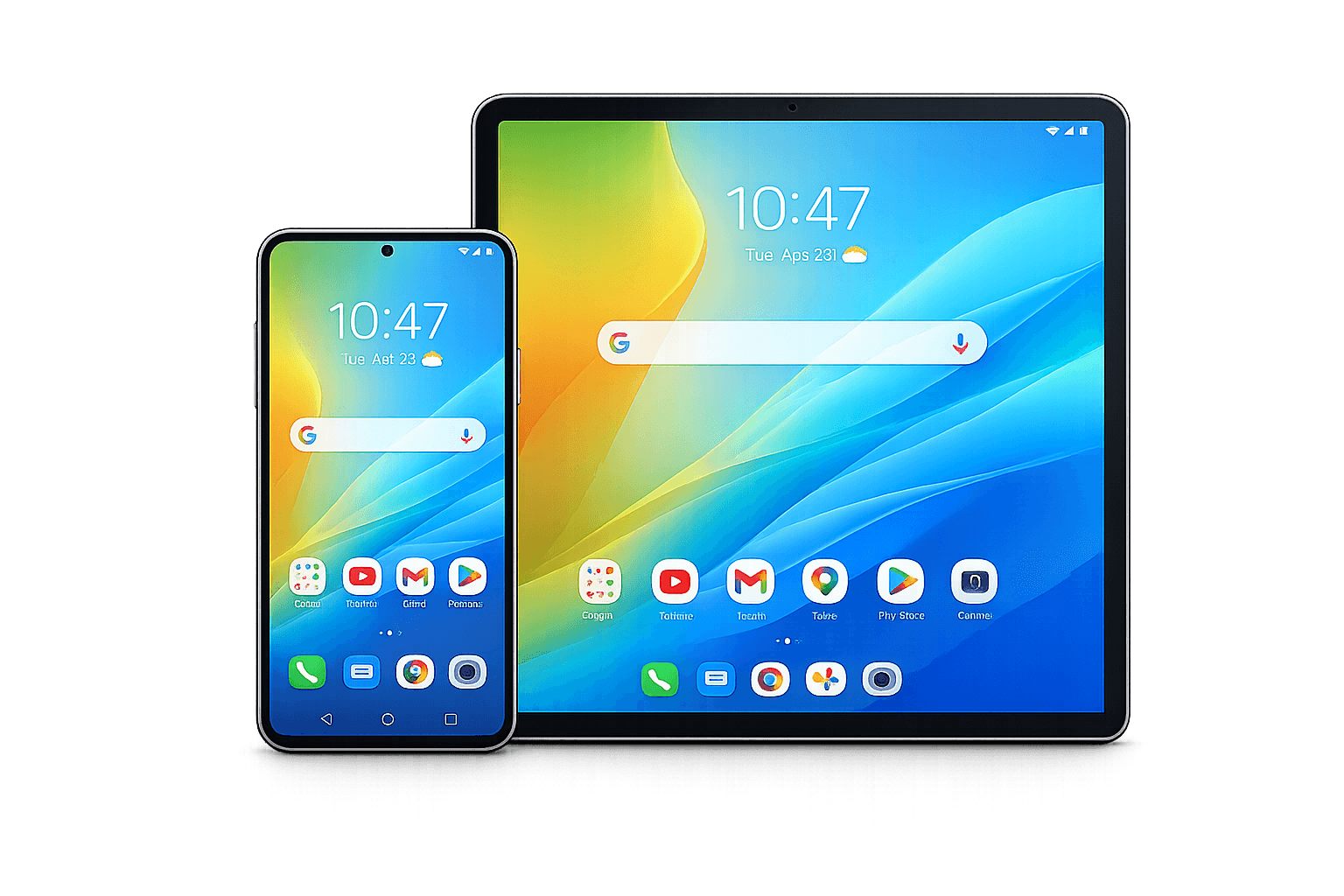
Best IPTV Box Canada Android devices Android Devices
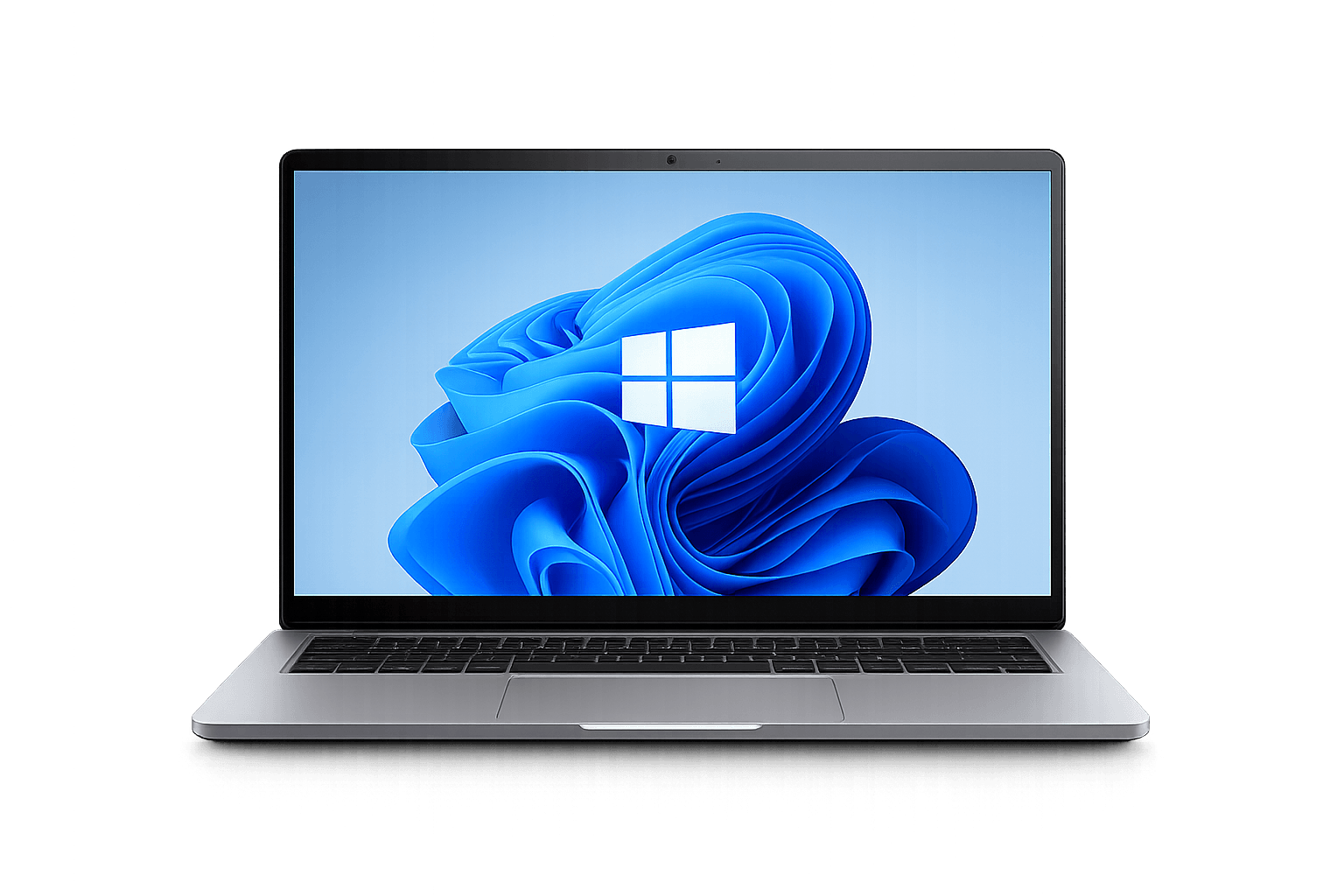
Best IPTV Box Canada Windows setup Windows
QUICK ANSWER

What Is the Best IPTV Box in Canada?

The Best IPTV Box Canada is a modern Android TV or Google TV device that supports IPTV apps, 4K streaming, reliable Wi-Fi or Ethernet, Google Play, regular updates and enough storage for live TV, sports, movies and TV series. Strong options include NVIDIA Shield TV, Google TV Streamer, BuzzTV and compatible Fire TV devices.

TOP DEVICE PICKS

Best IPTV Boxes in Canada for Android TV, Google TV & 4K

The right IPTV box depends on your budget, preferred interface, connection type, and expected streaming quality. These popular devices cover premium performance, everyday simplicity, IPTV-focused controls, and affordable streaming.

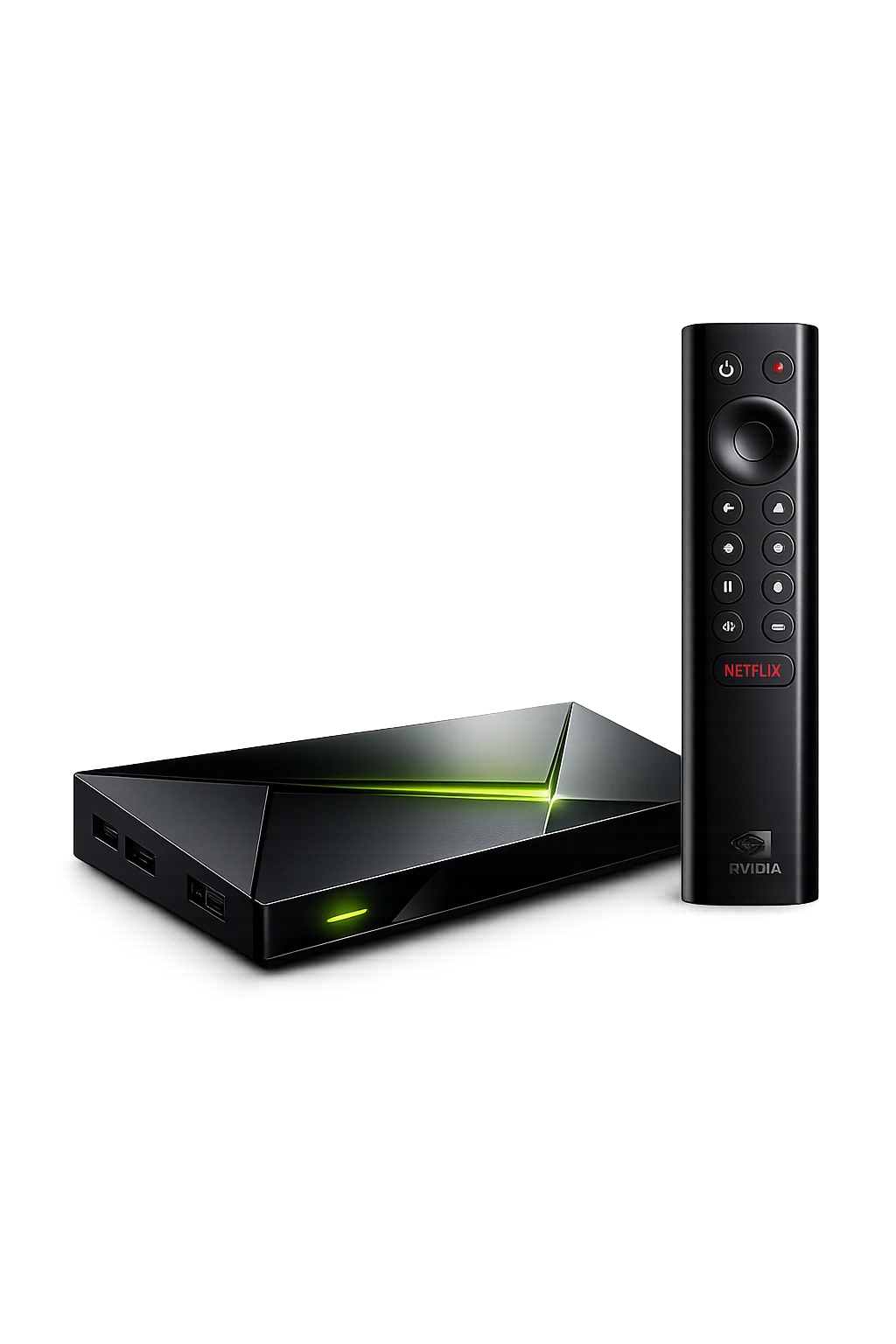
NVIDIA Shield TV for premium IPTV and 4K streaming in Canada
Best Performance

NVIDIA Shield TV

A premium Android TV option for users who want fast navigation, strong hardware, Ethernet support, and reliable 4K playback.

  • Strong performance for demanding apps
  • 4K playback and AI upscaling support
  • Wi-Fi and Ethernet connectivity
  • Best for premium home-theatre setups
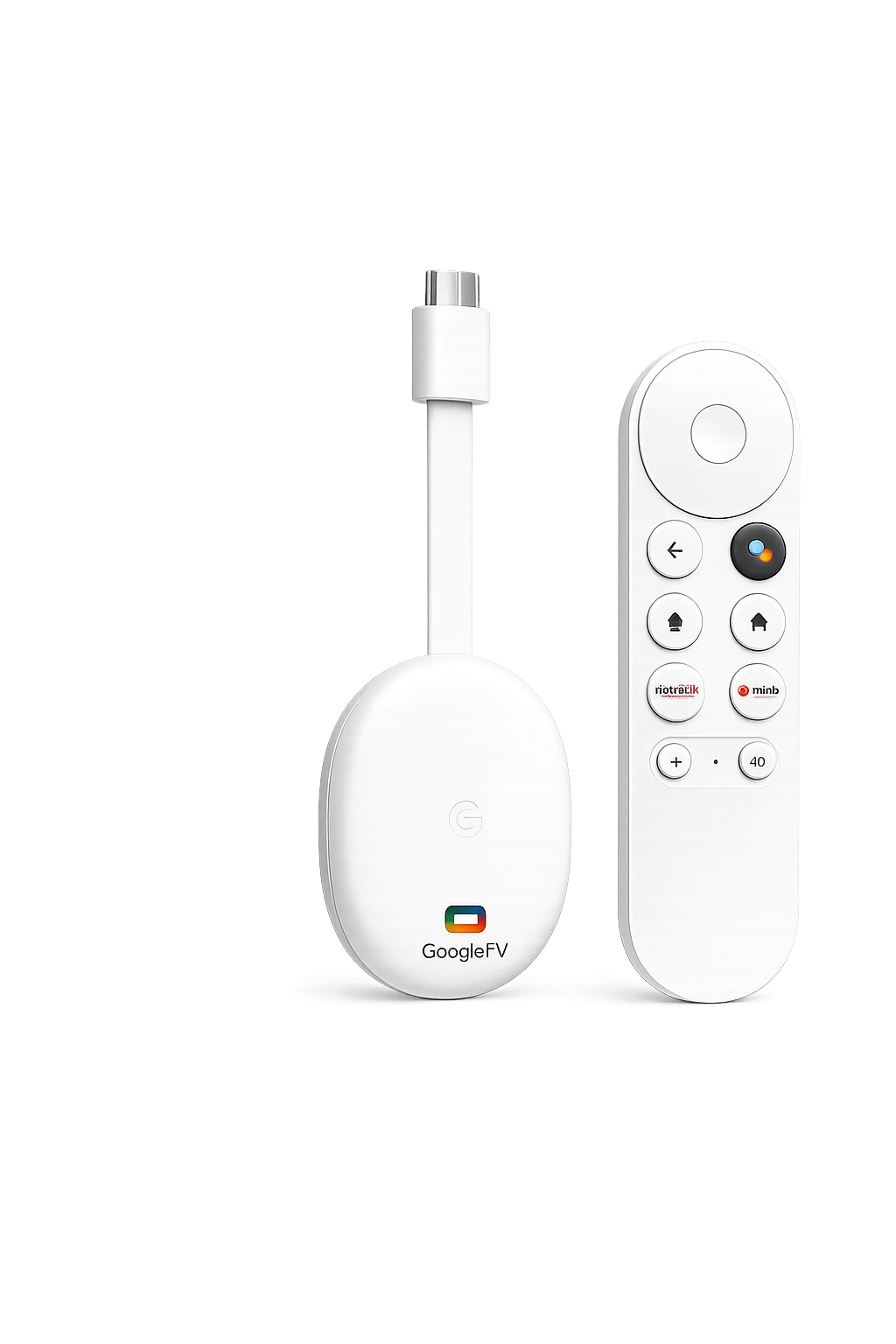
Google TV Streamer device and remote for IPTV in Canada
Best Everyday Choice

Google TV Streamer

A clean and beginner-friendly streaming device for users who prefer an official Google TV interface, broad app compatibility, and simple daily use.

  • Modern Google TV interface
  • Simple setup and app installation
  • Strong choice for general streaming
  • Best for families and beginners
BuzzTV Android IPTV box for advanced IPTV users
Best IPTV-Focused Option

BuzzTV

An IPTV-focused Android box family designed for users who value dedicated remote controls, flexible app support, and an interface built around live television.

  • Interface designed for IPTV viewing
  • Dedicated remote-control features
  • Multiple hardware models available
  • Best for experienced IPTV users
Best Budget Pick

Amazon Fire TV Stick

A compact and affordable streaming option for users who want a simple IPTV setup without buying a larger Android TV box.

  • Compact and easy to carry
  • Good app availability
  • 4K models available
  • Best for budget-friendly streaming
DEVICE COMPARISON

Compare Android TV, Google TV, BuzzTV & Fire TV

Compare the main strengths of each option before choosing an Android IPTV box, Google TV device, or compact streaming stick.

Device4K SupportEthernetPlatformBest For
NVIDIA Shield TVYesYesAndroid TVMaximum performance and premium setups
Google TV StreamerYesModel dependentGoogle TVEasy daily use and broad app access
BuzzTVModel dependentCommon on many modelsAndroid-basedDedicated IPTV viewing and advanced users
Amazon Fire TV StickOn compatible modelsAdapter may be requiredFire OSAffordable and compact streaming
Buying tip: Hardware features vary by model and generation. Confirm the latest storage, Wi-Fi, Ethernet, HDR, and operating-system specifications on the manufacturer’s official page before purchasing.
QUICK GUIDE

IPTV Box Buyer’s Guide for Android TV & Streaming

Use this guide to understand IPTV boxes, Android TV setup, IPTV apps, 4K streaming quality, and what to check before choosing a provider.

ANDROID TV STREAMING

Android TV Entertainment and Streaming Features

Android TV devices are popular because they are flexible, powerful and easy to use for premium entertainment. Many Canadian viewers choose an Android IPTV Box or IPTV Android TV box because it supports popular IPTV apps, Google Play, live TV, sports, movies, international channels and smooth 4K streaming.

A premium IPTV streaming box experience should include strong hardware, reliable networking, fast activation, clear setup instructions, app compatibility and HD, Full HD and 4K streaming support. You can also review our IPTV Subscription Canada page to compare supported devices, subscription features, and available plan options.

What Makes a Strong IPTV Box Setup?

Android TV device compatibility
IPTV Smarters, TiviMate, XCIPTV and other app support
HD / FHD / 4K streaming quality
Sports, PPV, movies, series and international channels
Simple setup with login details
Fast activation and customer support
HARDWARE CHECKLIST

Best IPTV for Android Box Canada: Features That Matter

Compare the hardware and software features that affect IPTV app performance, live TV navigation, 4K playback, network stability and long-term device support.

🌐

Ethernet & Wi-Fi 6

Ethernet provides consistent streaming, while Wi-Fi 6 can improve wireless speed and stability on compatible home networks.

🎞️

4K, HDR & AV1

Look for 4K output, HDR support and modern video codecs such as AV1 for efficient playback on compatible content and televisions.

💾

Storage & Memory

Enough storage and memory helps IPTV apps load guide data, channel logos, updates and cached content without slowing down.

🛍️

Google Play Access

Official app-store access makes it easier to install and update TiviMate, IPTV Smarters, XCIPTV, Sparkle TV and other players.

🔌

USB & Expandable Ports

USB ports can support keyboards, storage, Ethernet adapters and accessories, depending on the device and operating system.

🔊

Dolby Audio Support

Compatible Dolby formats can improve movie and television audio when the IPTV box, app, television and sound system all support them.

🛡️

Software Updates

Choose a current Android TV or Google TV device with regular security, compatibility and operating-system updates.

🎮

Remote Performance

A responsive remote with useful shortcuts improves live TV, EPG, favourites, search and channel switching.

PREMIUM BENEFITS

Benefits of Using an IPTV Box for 4K Streaming

Android TV boxes are a strong choice for users who want a dedicated IPTV streaming device with better flexibility and app support.

Easy Setup

Install a compatible IPTV player app, enter your IPTVEZEN details, and start watching quickly.

📺

4K Streaming

Enjoy HD, Full HD, and 4K quality on supported content with a stable internet connection.

🎬

All-in-One Content

Watch live TV, sports, movies, series, kids content, and international entertainment in one service.

📦

Device Flexibility

Use IPTVEZEN on Android TV devices, Firestick, Smart TV, mobile devices, Windows, Mac, and more.

SUPPORTED APPS

Best IPTV Apps for Android TV Boxes in Canada

To use IPTV on Android TV devices, you need a compatible IPTV player app. These apps help you load your subscription and stream live channels, sports, movies, and series.

IPTV Smarters

A popular and beginner-friendly IPTV player for Android TV, Android Box, Firestick, and mobile devices.

TiviMate

A clean and powerful IPTV app often used by Android TV and Android Box users.

XCIPTV

A simple IPTV player with support for live TV, movies, series, and playlist login.

IBO Player

A useful IPTV player depending on your device, app store availability, and preferred setup method.

Sparkle TV

A modern IPTV player option for some Android TV users who want a clean streaming interface.

VLC Player

A simple option for users who want to test playlist links on desktop or compatible Android systems.

SETUP GUIDE

How to Set Up an IPTV Box in Canada

IPTV setup on Android TV is simple. Use a compatible IPTV app, enter your IPTVEZEN login details, and start streaming.

1

Connect Your Device

Connect your Android TV device or IPTV box to your TV and internet connection.

2

Install IPTV App

Download IPTV Smarters, TiviMate, XCIPTV, or another compatible IPTV player.

3

Enter Login Details

Add your IPTVEZEN username, password, and server URL, or use your playlist link.

4

Load Channels

Wait for the app to load live TV, movies, series, sports, and entertainment categories.

5

Refresh Playlist

If content does not appear immediately, refresh the playlist or restart the app.

6

Start Watching

Choose your channels or VOD content and enjoy premium IPTV streaming in Canada.

BUYER GUIDE

How to Choose an IPTV Service for Your Box

A good IPTV box experience depends on both your device and your IPTV provider. Look for service stability, app compatibility, content variety, and support.

1

Check App Support

Choose a provider that works with popular Android TV IPTV apps like IPTV Smarters, TiviMate, and XCIPTV.

2

Review Streaming Quality

Look for HD, Full HD, and 4K support with stable playback and a strong internet connection.

3

Compare Content Variety

A premium IPTV service should include live TV, sports, movies, series, kids content, and international channels.

4

Check Setup Help

Reliable support is important if you need help with login details, app setup, or troubleshooting.

5

Use a Good Device

A modern Android TV device or IPTV box helps improve performance, speed, and playback quality.

6

Try Before Buying

A free IPTV trial helps you test the service on your Android TV device before choosing a plan.

DEVICE QUESTIONS

Android IPTV Box vs Google TV vs Firestick for IPTV

Each platform can run compatible IPTV players, but the experience changes based on performance, available ports, software updates, remote controls, and app installation options.

1

IPTV Box vs Firestick

Android IPTV boxes often provide more ports and hardware choices, while Firestick devices are compact, affordable, and simple for many first-time users.

2

Google TV vs Android TV Box

Google TV offers a polished content-first interface. Traditional Android TV boxes may provide more hardware variety, storage options, and connectivity depending on the model.

3

Best IPTV Box for Sports

Sports viewers should prioritize stable Wi-Fi or Ethernet, smooth hardware decoding, responsive navigation, and a player with a clear electronic program guide.

4

Best IPTV Box for Movies

Movie viewers benefit from 4K and HDR compatibility, reliable audio support, sufficient storage, and a modern television with a stable internet connection.

5

Should You Buy an IPTV Box?

A dedicated box is useful when your television is older, lacks the preferred IPTV player, or needs better performance than its built-in smart-TV platform can provide.

6

Android IPTV Box Requirements

Look for a current operating system, dependable wireless connectivity, sufficient storage, supported video codecs, and regular security updates.

FAQ

IPTV Box FAQ for Canadian Viewers

Quick answers about IPTV boxes, Android TV apps, 4K quality, sports, setup, and IPTVEZEN support.

What is the best IPTV box for Canada?

A good IPTV box should be modern, stable, compatible with popular IPTV apps, and strong enough for HD and 4K streaming. Android TV devices are a popular choice for IPTV in Canada.

Does IPTVEZEN work on Android TV devices?

Yes. IPTVEZEN works on Android TV devices and Android Boxes using compatible IPTV apps such as IPTV Smarters, TiviMate, XCIPTV, and more.

Can I watch sports on an IPTV box?

Yes. IPTVEZEN includes sports channels, live events, PPV, football, hockey, basketball, UFC, boxing, soccer, and more.

Is Android TV good for 4K IPTV streaming?

Yes. Android TV devices can be a strong option for 4K IPTV streaming when paired with a stable internet connection and a reliable IPTV provider.

Is IPTV box setup difficult?

No. Setup is usually simple. Install an IPTV player app, enter your subscription details, load the playlist, and start streaming.

Can I try IPTVEZEN before buying?

Yes. You can request a free IPTV trial in Canada before choosing a premium subscription plan.

What internet speed is recommended for IPTV on an Android TV box?

About 10 Mbps may support HD streaming, while approximately 25 Mbps or more per active stream is generally recommended for compatible 4K content. Connection stability is as important as raw speed.

Which Android TV box features matter most for IPTV?

Look for a current operating system, reliable Wi-Fi, enough storage, smooth hardware decoding, regular updates, and support for the IPTV player you prefer.

Is a Firestick or Android TV box better for IPTV?

Firestick is compact and beginner-friendly, while many Android TV boxes offer more ports, storage flexibility, and device choices. The better option depends on your budget and setup.

Can I use the same IPTV subscription on multiple devices?

Device and simultaneous-stream limits depend on the selected subscription plan. Review the plan details before using one account on several devices at the same time.

SEO GUIDE

Android TV Boxes for Live TV & 4K Streaming

The Best IPTV Box Canada experience should combine a reliable Android TV device with a strong IPTV provider. Android TV boxes are popular because they support many IPTV apps, stream live channels, handle movies and series, and work well with HD, Full HD, and 4K content when the internet connection is stable.

IPTVEZEN is designed for Canadian viewers who want premium IPTV streaming on Android TV devices, Firestick, Smart TVs, mobile devices, Windows, Mac, and more. Users can access 25,000+ live channels and 120,000+ movies and series, including sports, kids content, entertainment, news, and international channels.

To get the best performance from an IPTV box, use a modern device, install a compatible IPTV player, keep the app updated, and enter your IPTVEZEN login details correctly. If you need help, our support team can guide you through activation, app setup, playlist loading, and troubleshooting.

You can compare our Premium IPTV Plans, request a Free IPTV Trial Canada, explore the IPTV Channel List Canada, or follow our IPTV Installation Guides Canada. You can also review IPTV Buffering Fix Canada, Best Internet Speed for IPTV Canada, and IPTV for Android TV Canada.

You can also verify device information through the official Android TV, Google Store streaming, NVIDIA Shield, and Amazon Fire TV pages.

Ready to Test IPTV on Your Android TV Box?

Choose IPTVEZEN for premium IPTV streaming in Canada. Watch sports, movies, live TV, series, and 4K entertainment on your favorite devices.

💬 Free Trial 📺 Plans
💬 Need Help? Chat on WhatsApp