BRAMPTON · ONTARIO
IPTV Brampton, tested on the screen you actually watch.
Live TV, sports, movies and series in one simple setup. Check trial availability first, test your own device and connection, then choose a plan with confidence.
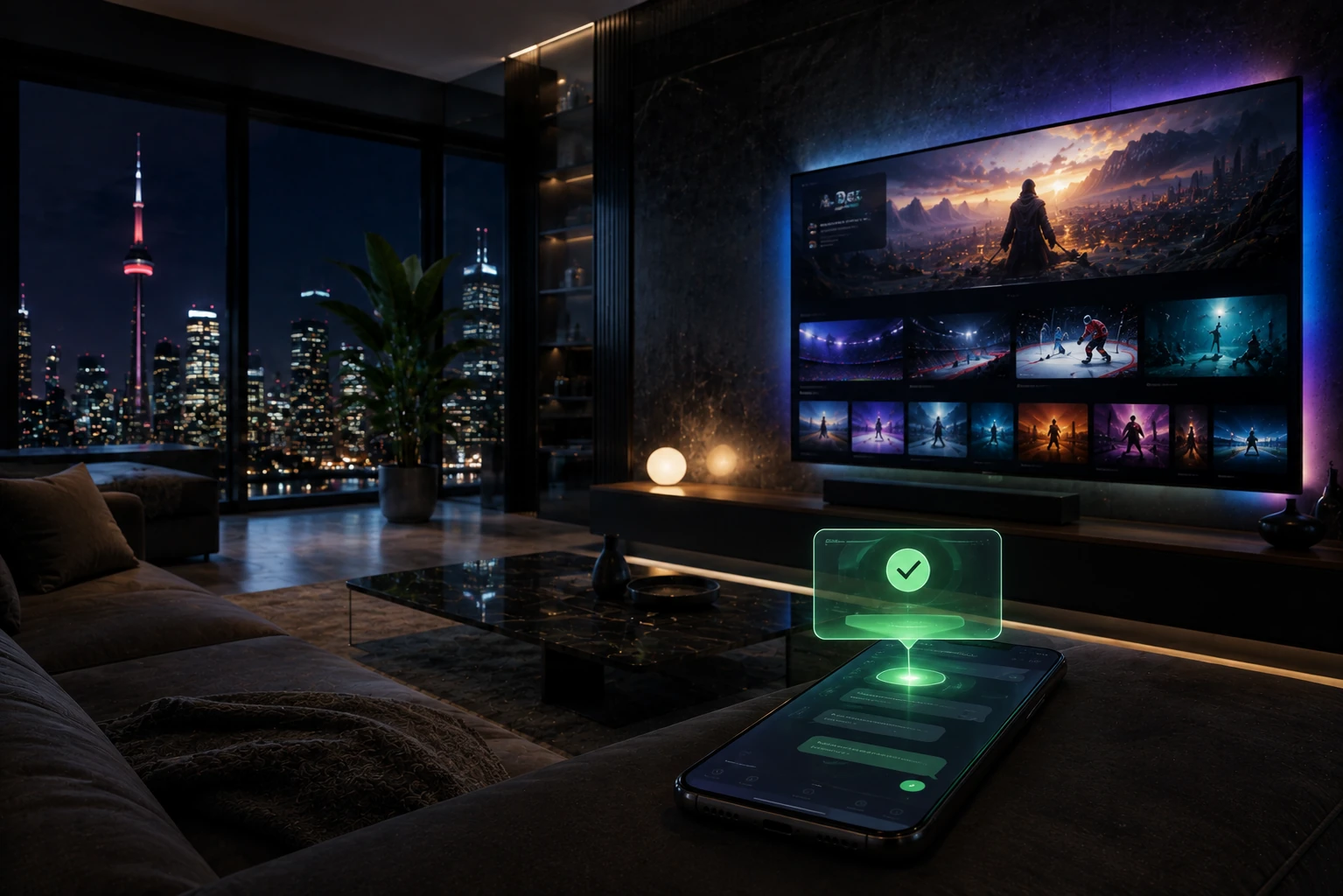
BRAMPTON
BUILT FOR REAL HOMES
Start with the television already in your home.
IPTV Brampton is for viewers who want a straightforward way to watch live channels, sports, movies and series through a compatible internet-connected device. You do not need a technician visit or extra hardware before you know whether your existing setup is a good fit.
Tell us which device you use, check trial availability, and test your regular viewing routine on the television and Wi-Fi you will use every day. That is a more useful test than opening a single channel on a phone for two minutes.
THE BETTER FIRST STEP
What to test before choosing an IPTV plan in Brampton.
A good trial is about your device, player and home connection working together—not just seeing one channel load.
Open live TV
Try a live channel at the time your household normally watches. This gives you a realistic view of your device and connection.
Check the TV guide
Open the EPG and move through categories. A guide that loads correctly makes everyday viewing much easier.
Test a movie or series
Check on-demand playback on the same Firestick, Smart TV, Android TV or Apple TV you plan to keep using.
Confirm your screens
If more than one person watches at the same time, choose a plan with enough simultaneous connections before ordering.
Need help choosing a compatible player?
Explore IPTV apps in Canada →KEEP YOUR SETUP SIMPLE
Use the device that already fits your room.
For Brampton homes, the best IPTV device is usually the one already connected to the TV. Begin there before buying a box you may not need.
Browse installation guides →+ Player
+ Internet One simple check before you buy.
BRAMPTON HOME SETUP
A stable connection makes the difference.
IPTV performance depends on the player, device, Wi-Fi signal and internet connection in your home. For a fixed TV, Ethernet can be more consistent when it is practical. With Wi-Fi, place the router sensibly and test the television you will really use.
If playback buffers, restart your device and router, check the player settings, then test your speed before changing anything else. Our setup and troubleshooting guides are there when you need them.
CHOOSE CLEARLY
Choose time and screens. Nothing complicated.
Once your setup works, select the subscription duration and number of simultaneous connections that match your household. A single connection is designed for one active screen. If people watch in different rooms at the same time, choose the appropriate device option first.
Current plan terms, device options and payment information are always shown on the plans and checkout pages. This helps you choose from the latest details instead of relying on an old price or screenshot.
Compare current IPTV plans →LOCAL VIEWING, CLEAR EXPECTATIONS
IPTV for Brampton and Peel Region households.
Whether you are setting up a main living-room TV, a bedroom screen or a shared family space, the simplest route is to start with one compatible device and build only if your household needs more. Firestick and Android TV are practical options for dedicated IPTV players, while compatible Smart TVs and Apple TV devices can use their supported apps.
Channel libraries, sports events and programme availability can change, so the right way to confirm a specific channel is to ask support before you buy or check it during an available trial. This keeps expectations clear and lets you make a decision based on what matters to your own viewing.
For more general Canadian broadcasting information, you can also visit the CRTC television information page.
ANSWERS BEFORE YOU ORDER
IPTV Brampton FAQ
Can I test IPTV in Brampton before choosing a plan?+
Trial availability can be checked before you subscribe. Use it to test a compatible device and your own home connection first.
Which devices work with IPTV in Brampton?+
Compatible Firestick, Smart TV, Android TV, Apple TV, phone, tablet and computer setups can be used. Check the relevant device guide before setup.
Can more than one TV watch at the same time?+
That depends on the simultaneous connections included with the option you choose. Select enough active screens for your household before ordering.
What if I need help with setup?+
Visit our IPTV support page and include your device type, player name and the issue you are seeing.
START WITH YOUR OWN SETUP
See whether IPTV Brampton fits your home.
Check trial availability, test the screen you really use, then choose your plan with confidence. For a broader look at the service in Canada, visit the IPTVEZEN homepage.