Best IPTV for Apple TV Canada Apps, setup, playback and 4K streaming.
Choose the right Apple TV IPTV app, install your playlist, improve streaming quality, and enjoy live TV, sports, movies and international channels on Apple TV HD or Apple TV 4K.
What is the best IPTV app for Apple TV?
IPTVX is usually the strongest choice for Apple TV because it offers a clean tvOS interface, playlist organization, EPG support and a premium Apple-style experience. IPTV Smarters, GSE Smart IPTV and Smarters Player Lite are also useful depending on your login method and App Store availability.
Why choose IPTV for Apple TV Canada?
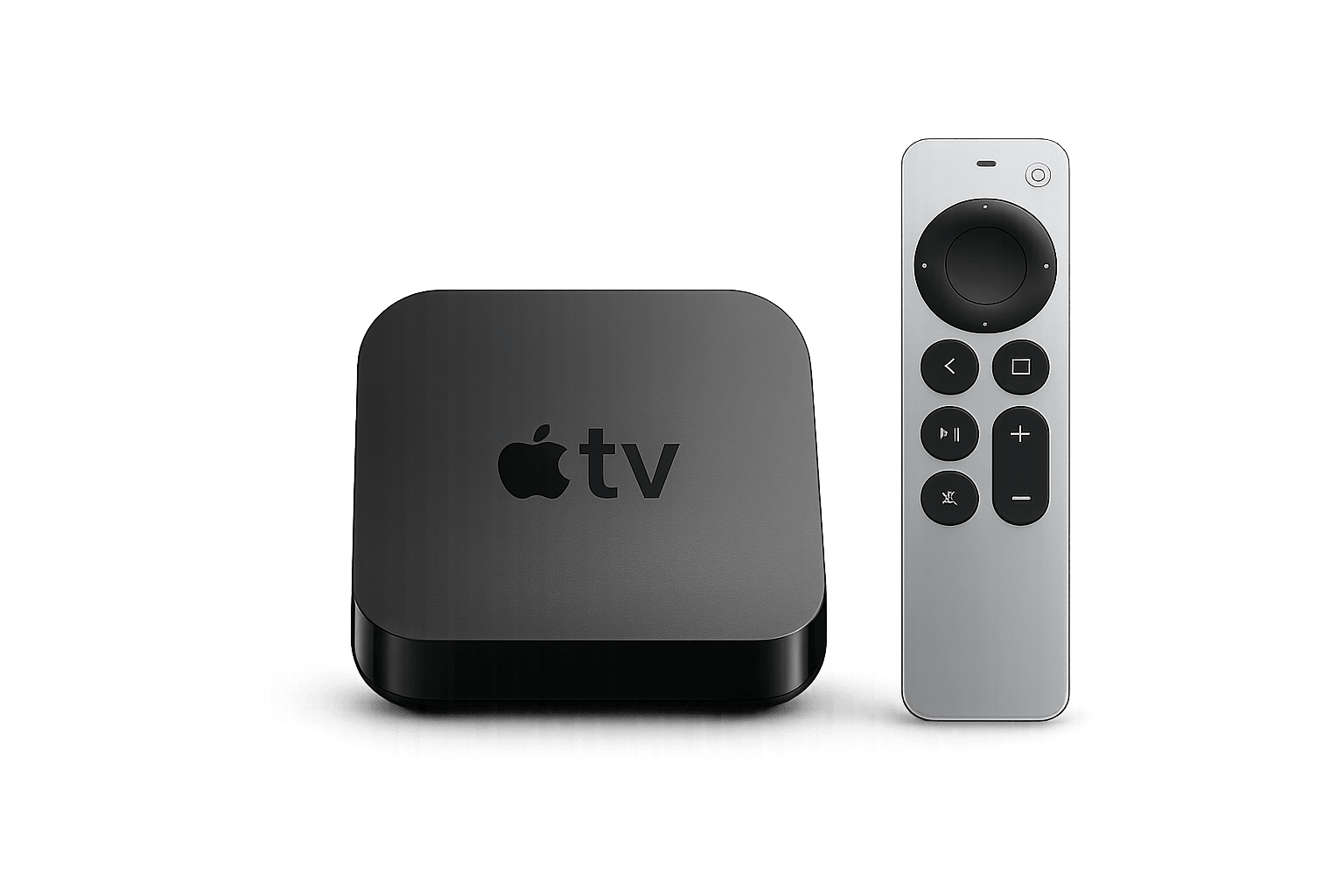
Apple TV combines fast hardware, a clean tvOS interface, reliable app performance and smooth HD or 4K playback.
Apple TV 4K is especially well suited to larger IPTV playlists, live sports and high-quality video when the internet connection and player app are stable.
Designed for the living room.
Smooth navigation, premium hardware and simple remote control access make Apple TV a strong option for everyday IPTV viewing.
Best IPTV for Apple TV Canada apps
Compare the most practical tvOS players for design, login support, playlist management and playback performance.
IPTVX
A premium Apple-style IPTV player with playlist organization, EPG support and a clean tvOS interface.
- Native Apple feel
- Strong playlist management
- Great for Apple TV 4K
IPTV Smarters
A beginner-friendly option that supports live TV, movies, series and common provider login formats.
- Simple setup
- Broad compatibility
- Good for beginners
GSE Smart IPTV
A flexible playlist player for users who want more control over M3U playlists and advanced configurations.
- M3U support
- Flexible setup
- Useful for advanced users
Smarters Player Lite
A simple choice for Apple TV users who want a direct way to load IPTV content without a complex interface.
- Easy interface
- Quick setup
- Good starter option
How to set up IPTV for Apple TV Canada
Follow these five steps to install your preferred app and test your Apple TV IPTV setup.
Choose a provider
Select a service that supports Apple TV apps and compatible login details.
Install the app
Open the App Store and install IPTVX or another compatible player.
Add login details
Enter your M3U URL, Xtream Codes or provider setup information.
Load content
Allow the app to load channels, movies, series and EPG data.
Test playback
Check live TV, sports, VOD, sound and streaming quality.
Apple TV vs Android TV for IPTV
Apple TV focuses on polish and stability, while Android TV offers broader app flexibility and customization.
| Feature | Apple TV | Android TV |
|---|---|---|
| App Store | Apple App Store with tvOS apps | Google Play Store and APK options |
| Best for | Premium users who value smooth performance | Users who want more app flexibility |
| Interface | Clean and consistent Apple experience | More flexible and customizable |
| Customization | More limited but stable | More open and customizable |
How to get the best Apple TV IPTV experience
IPTV for Apple TV Canada works best when the app, internet connection and playlist format are compatible. Apple TV 4K is generally the strongest option because it offers faster hardware and smoother playback than older devices.
Use a stable connection
For reliable IPTV for Apple TV Canada playback in HD or 4K, use 5 GHz Wi-Fi or Ethernet when possible. Keep the Apple TV close to the router and avoid heavy background downloads while streaming.
Choose the right login format
Some Apple TV apps work best with Xtream Codes, while others support M3U playlists. Confirm which login method your preferred app accepts before installing it.
Apple TV and tvOS resources
For official device details, visit the Apple TV 4K website . Developers and advanced users can also review the official tvOS developer documentation .
Test before choosing a plan
Use eligible trial access to check IPTV for Apple TV Canada channels, movies, EPG, sound and playback quality before selecting a longer plan. Compare premium IPTV plans or explore the IPTV channel list Canada.
IPTV for Apple TV Canada troubleshooting
Use these quick fixes for buffering, login errors, missing EPG data, app freezing and sound problems.
Test IPTV on Apple TV before you subscribe.
Install your preferred app, test channels and movies, and confirm that your Apple TV setup works smoothly before choosing a plan.
IPTV for Apple TV Canada FAQ
Common questions about apps, setup, compatibility and performance.
Can I watch IPTV on Apple TV in Canada?
Yes. IPTV for Apple TV Canada works through compatible tvOS apps that can load live TV, movies, sports, series and international content.
What is the best IPTV app for Apple TV?
IPTVX is one of the strongest options because it offers a clean tvOS interface, playlist organization and EPG support.
Does IPTV work on Apple TV 4K?
Yes. Apple TV 4K is well suited to IPTV because it offers fast performance and smooth HD or 4K playback.
Can I use IPTV Smarters on Apple TV?
Compatible Smarters apps may be available depending on your region, tvOS version and App Store availability.
Why is IPTV buffering on Apple TV?
Buffering may be caused by weak Wi-Fi, network congestion, app issues or overloaded streams. Test the connection and restart the app first.
Do I need a separate IPTV box?
No. When your Apple TV supports the IPTV app you want to use, a separate box is not required.
Continue your IPTV setup
Explore device guides, apps, plans and troubleshooting resources.