Best IPTV for Sports Canada Built for game night.
The Best IPTV for Sports Canada should make live hockey, football, basketball and combat sports feel immediate—without forcing you through a cluttered interface or an unreliable setup.
A sports service is only as good as the moment it refuses to miss.
Live sports are different from movies and on-demand television. A film can buffer for a few seconds and still remain watchable. A hockey power play, final possession or knockout exchange cannot. The Best IPTV for Sports Canada therefore needs more than a large channel count. It needs a stable connection, a capable player, an efficient device and a lineup that can be checked before a longer commitment.
Canadian viewers often follow more than one league. A household may move from NHL coverage during the week to NFL games on Sunday, NBA matchups at night and UFC or boxing on the weekend. The practical goal is not to install as many apps as possible. It is to build one reliable viewing environment with clear categories, useful favourites and an electronic programme guide that makes upcoming events easier to find.
This guide explains how to evaluate sports IPTV without relying on vague promises. It covers device choice, connection quality, picture resolution, trial testing and the differences between a sports-ready setup and a basic streaming configuration.
Availability can change according to the current channel lineup, event rights and the selected plan. That is why the safest approach is to confirm the leagues that matter to you and test the service on the same device, player and internet connection you expect to use on game day.

Every shift can change the game.
Hockey exposes weak streaming setups quickly. The puck moves fast, camera angles change constantly and overtime leaves no room for unstable playback. Test rivalry games and peak evening hours—not only quiet daytime channels.

Sunday deserves a dependable screen.
Football viewing often means long sessions, rapid channel changes and several important games in one day. A responsive player, clear favourites and a stable connection make the experience far easier than scrolling through an unorganized playlist.

Built for pace, movement and the final possession.
Basketball benefits from a smooth frame rate, good upscaling and a player that reacts quickly to the remote. For large televisions, the quality of the source and device output matters as much as the internet package itself.

When every round matters, test before fight night.
Combat events can attract heavy traffic. Confirm current availability, open the app early and test playback before the main card. A wired connection or strong 5 GHz Wi-Fi can reduce avoidable instability.
Four parts. One reliable sports setup.
The Best IPTV for Sports Canada is not a single app or a single speed number. It is the result of four parts working together: the source, the player, the device and the network.
Current sports availability
Confirm the leagues, regions and events that matter to you before choosing a longer plan.
A television-friendly player
Use favourites, categories and EPG features so important games remain easy to reach.
Modern streaming hardware
Recent Fire TV, Google TV, Apple TV and Android TV devices usually provide a smoother experience.
A stable home connection
Consistency, low packet loss and good Wi-Fi placement matter more than a single impressive test result.
One interface for the sports your household follows.
A useful sports setup lets you move from hockey to football, basketball, combat sports and international coverage without rebuilding your favourites every weekend. Organize the player once, keep the EPG updated and test the categories you use most.
The right hardware makes live sports feel less like troubleshooting.
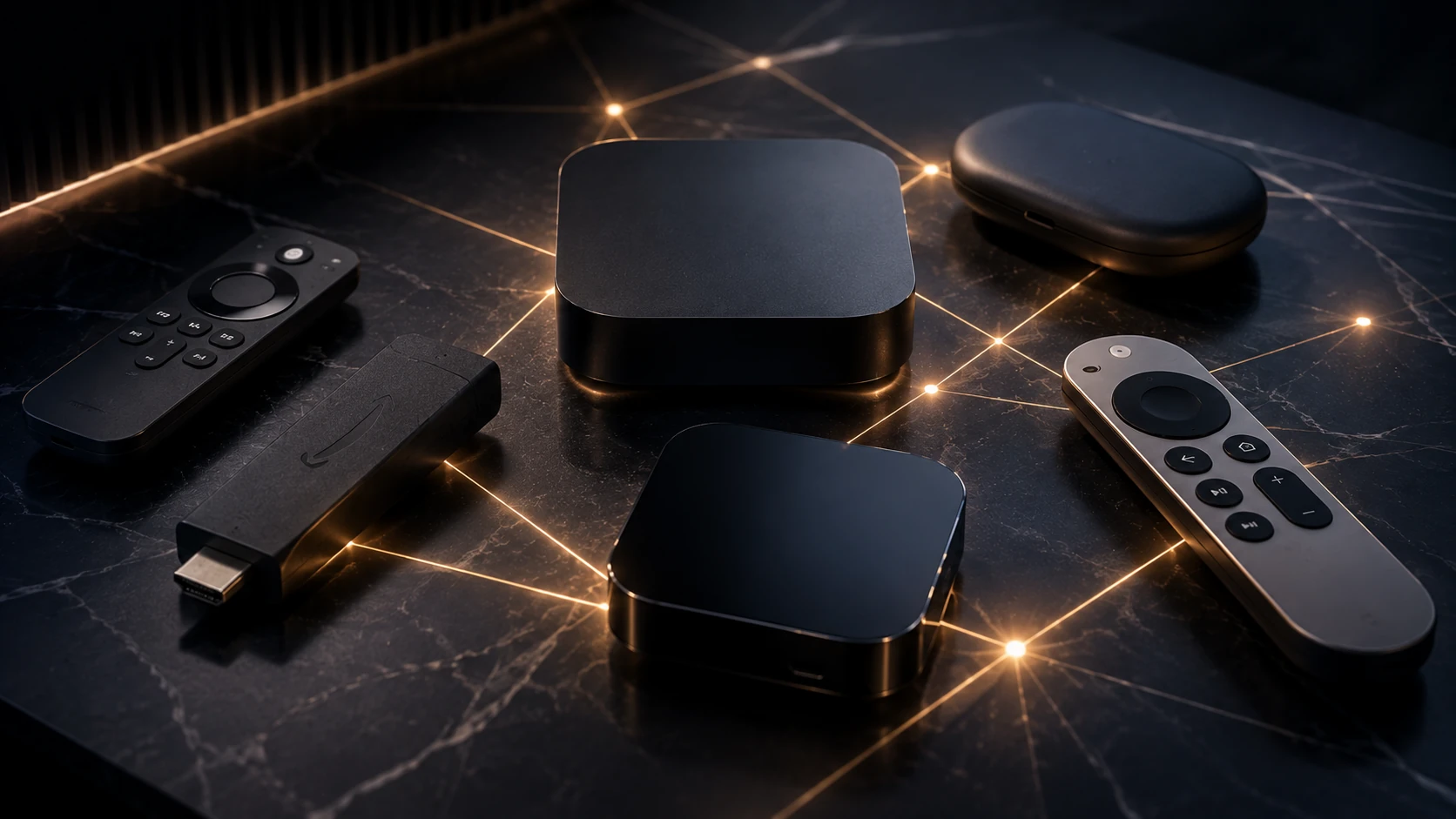
Choose performance before decoration.
A premium television cannot compensate for an underpowered streaming device or weak Wi-Fi. Prioritize smooth remote navigation, current software support and enough storage for the player and its guide data.
Speed opens the door. Stability keeps the game on.
These are practical starting targets, not guarantees. Other devices in the home, Wi-Fi interference, router placement and the quality of the source can all affect real playback.
Test the service under real sports conditions.
A trial is most useful when it reflects your real viewing habits. Testing a quiet news channel on a weekday afternoon does not tell you how the setup will behave during a major evening game. Open the player when your home network is normally busy. Use the same television or streaming device you expect to use later. Switch between several sports categories, open the programme guide and keep a live channel running long enough to observe stability.
The goal is not only to confirm that a channel opens. Check how quickly the player reacts, whether the guide loads correctly, whether audio remains synchronized and whether the image stays stable during fast movement. Also confirm that the sports categories you care about are currently represented. Availability may change, so treat any lineup as a current snapshot rather than a permanent guarantee.
IPTVEZEN provides a limited IPTV trial in Canada for eligible requests. Use it to evaluate device compatibility and playback before comparing the available premium IPTV plans in Canada.
Understand what HD, Full HD and 4K really mean.
Resolution labels are only one part of picture quality. A well-encoded Full HD stream can look better than a poorly encoded stream labelled 4K. The original sports feed, bitrate, compression, frame rate, player settings and television processing all influence the final image.
Fast sports benefit from consistent frame delivery. Hockey, basketball and football contain rapid camera movement that can reveal stutter or heavy compression. On a large television, sit at your normal viewing distance and evaluate motion rather than judging the image from a paused frame.
Practical picture-quality checklist
- Confirm that the device output resolution matches the television.
- Use a suitable frame-rate matching option when the player and device support it.
- Avoid extreme television sharpness settings that exaggerate compression.
- Compare more than one sports channel during the test.
- Do not assume every live event is available in 4K.
Choose a player that is comfortable from the couch.
The player is the interface between the service and the viewer. For sports, remote-friendly navigation is more important than decorative animations. The best player for your household should make favourites, channel groups, search and the electronic programme guide easy to reach.
Fire TV and Android TV users often have several player options. Apple TV users need a tvOS-compatible app, while Samsung and LG televisions depend on the applications available for their model and region. Smart TV applications can be convenient, but an external streaming device may provide better performance and a wider selection of players.
Features worth prioritizing
- A clear EPG with programme times.
- Favourite channels and custom groups.
- Reliable reconnection after network interruptions.
- Parental controls where needed.
- Simple audio-track and subtitle controls.
- Regular updates from the player developer.
Prepare the setup before the event begins.
Most game-day problems become harder to solve once the event has already started. Update the streaming device and player earlier in the day, not minutes before kickoff. Restart the router if it has been running for a long time, close unnecessary background applications and confirm that the account details are still saved.
Open the relevant category early and add the preferred channel to favourites. When possible, connect the main television device through Ethernet. If Ethernet is not practical, use a strong 5 GHz connection with the router positioned away from heavy interference.
Households with several simultaneous streams should account for the combined bandwidth requirement. A connection that handles one Full HD stream may struggle when televisions, phones, game consoles and cloud backups are active together. The IPTV internet speed checker can help you review the connection before a major event.
Use IPTV technology responsibly.
IPTV is a delivery technology used by many legitimate broadcasters, telecommunications companies and streaming platforms. Viewers remain responsible for following local laws, provider terms and content rights. This page is an educational guide about device compatibility, network preparation and evaluating a streaming setup.
Official league websites remain the best source for confirmed schedules, event dates and league announcements. The outbound resources below let you verify upcoming games directly with the organizations responsible for those schedules.
Verify schedules at the source.
Event times and schedules can change. Use official league resources for current information before game day.
Best IPTV for Sports Canada FAQ.
Clear answers about sports availability, devices, connection requirements, trials, picture quality and game-day preparation.
What is the Best IPTV for Sports Canada?
The Best IPTV for Sports Canada is a setup that supports the sports categories you follow, works reliably on your preferred device, offers clear player navigation and lets you test current availability before choosing a longer plan.
Can IPTV include NHL, NFL, NBA, UFC and boxing?
Sports availability depends on the current channel lineup, event rights, region and selected plan. Confirm the leagues and events that matter to you during a trial or before subscribing.
What internet speed is recommended for live sports IPTV?
Around 10 Mbps can be a starting point for HD, 25 Mbps for Full HD and 50 Mbps for 4K, per active stream. Stability, low packet loss and Wi-Fi quality are also important.
Which streaming device is best for sports IPTV?
Recent Fire TV, Google TV, Android TV, Apple TV and NVIDIA SHIELD devices can provide strong results. The best choice depends on player availability, budget and the television you already own.
Can I test sports channels before buying a plan?
Eligible viewers can request limited trial access to check the current lineup, app compatibility, guide data and playback quality on their own internet connection.
Does every sports event stream in 4K?
No. Resolution depends on the original feed, event, channel, player and device. Many live events remain available in HD or Full HD rather than native 4K.
Is Ethernet better than Wi-Fi for live sports?
Ethernet is generally more consistent because it avoids wireless interference. Strong 5 GHz Wi-Fi can also work well when the router is nearby and the network is not congested.
Why does a sports stream buffer even with fast internet?
Buffering can result from Wi-Fi interference, packet loss, network congestion, a busy device, background downloads, player issues or the source itself. A speed number alone does not guarantee stability.
Should I use a Smart TV app or an external device?
A Smart TV app is convenient, but an external streaming device often offers better performance, more storage and a wider choice of IPTV players.
How should I prepare before a major game?
Update the device and player early, restart the router if necessary, test the sports category, save the preferred channel to favourites and avoid beginning setup moments before the event.
Test the complete sports setup before committing.
Check current sports availability, device compatibility and playback quality on your own connection, then choose the plan that fits your household.