Roku changes the setup. Not the streaming goal.
Learn the most practical ways to use IPTV with Roku in Canada through screen mirroring, Apple AirPlay and easier streaming-device alternatives for a direct app-based setup.
Can you install IPTV directly on Roku?
Roku does not offer the same open app environment as Firestick or Android TV. Many popular IPTV player applications are not available as native Roku channels, so users often rely on screen mirroring, AirPlay or an external streaming device.
The best choice depends on the Roku model, the phone or computer available in the household, the home network and whether the setup is intended for occasional viewing or regular daily use.
Choose the Roku workflow that matches your devices.
Roku users in Canada can choose between mirroring, AirPlay or adding a separate streaming device for easier app access.
Screen Mirroring
Mirror a compatible Android phone, tablet or Windows computer to a supported Roku device on the same network. Roku displays what appears on the source device.
Apple AirPlay
Compatible Roku models can receive AirPlay content from supported iPhone, iPad and Mac devices connected to the same Wi-Fi network.
External IPTV Device
Connect Firestick, Android TV, Google TV or Apple TV to the same television for a more direct IPTV player experience.
How to mirror IPTV to Roku.
Menu names vary by model and source device, but the setup sequence remains consistent.
Check compatibility
Confirm that the Roku model supports screen mirroring or AirPlay in Settings.
Use one network
Connect Roku and the phone, tablet or computer to the same Wi-Fi network.
Open the player
Launch the compatible IPTV player on the source device and prepare the content.
Start mirroring
Select Roku from the mirroring or AirPlay menu and approve the connection.
Easier devices for direct IPTV player apps.
These platforms usually provide a more direct way to install compatible IPTV player applications.
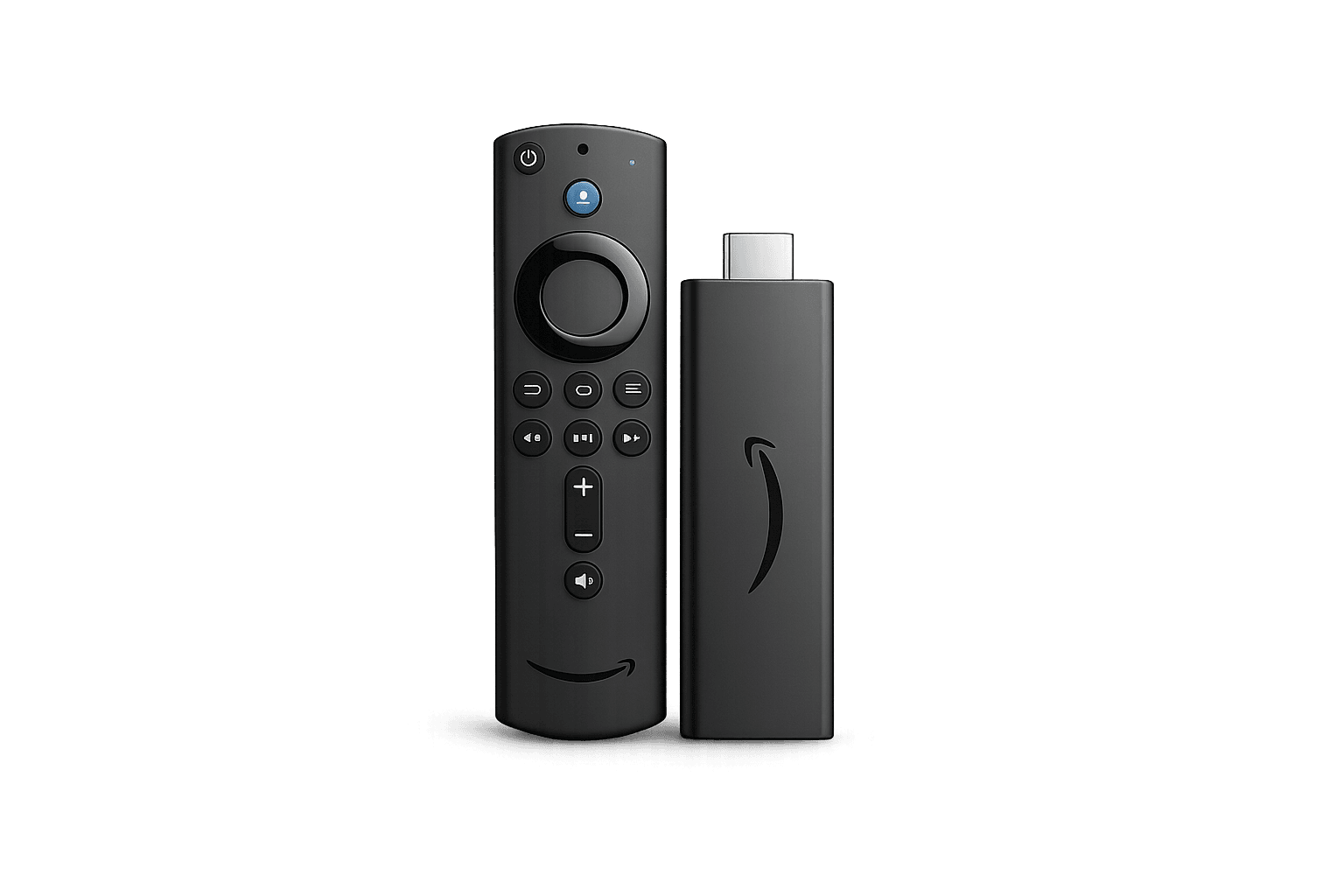 Amazon Firestick
Popular for TiviMate and IPTV Smarters
Amazon Firestick
Popular for TiviMate and IPTV Smarters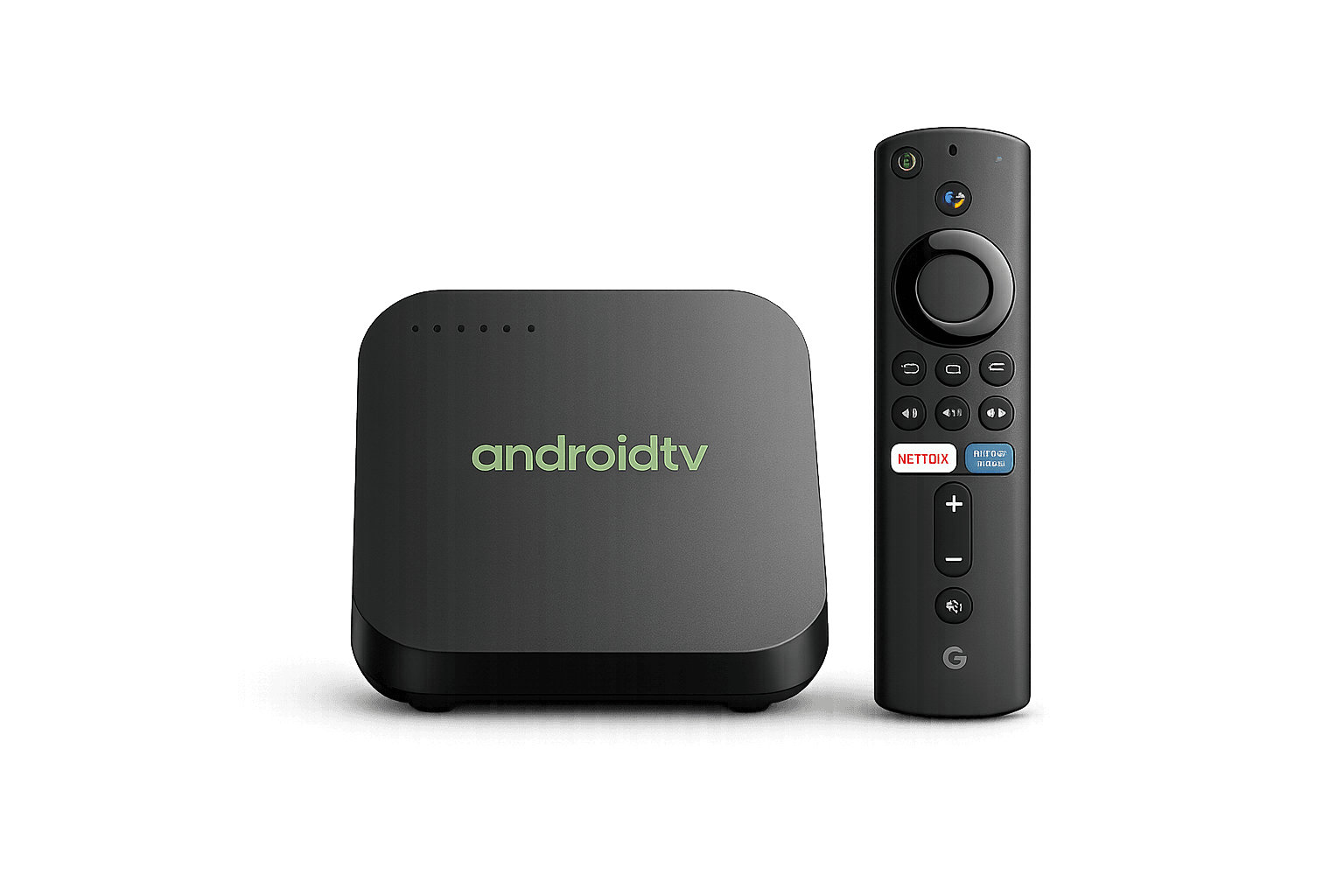 Android TV
Direct access to compatible IPTV apps
Android TV
Direct access to compatible IPTV apps Apple TV
Compatible Apple-focused IPTV players
Apple TV
Compatible Apple-focused IPTV players Windows PC
Desktop IPTV players and browser options
Windows PC
Desktop IPTV players and browser optionsBest IPTV for Roku Canada setup approach.
IPTV for Roku Canada usually requires a different setup than Firestick or Android TV. Because many popular IPTV player apps are not offered as native Roku channels, users often stream by screen mirroring from a compatible Android or Windows device, or by using AirPlay from a compatible Apple device.
For occasional use, mirroring can be practical. For regular viewing, a dedicated device such as Firestick, Android TV, Google TV or Apple TV may offer a simpler app-based setup and more direct control.
IPTV app for Roku: what should you use?
The most practical approach is to run a compatible IPTV player on a phone, tablet or computer and mirror the display, or connect an external streaming device that supports the player directly. Compatibility can vary by Roku model and software version.
Compare Premium IPTV Plans Canada, complete Secure Checkout, request a Free IPTV Trial Canada, explore the IPTV Channel List Canada, or read the IPTV Installation Guides.
IPTV for Roku Canada FAQ.
Answers about native apps, Android mirroring, AirPlay, alternatives, trials and payment methods.
Can I install an IPTV player directly on Roku?
Many popular IPTV player apps are not available as native Roku channels. Users commonly rely on screen mirroring, AirPlay or an external streaming device that supports compatible IPTV apps.
Can I screen mirror from Android to Roku?
Many current Roku players and Roku TV models support screen mirroring from compatible Android and Windows devices. Compatibility depends on the Roku model and source device.
Can I use AirPlay with Roku?
Compatible Roku devices can use Apple AirPlay with supported iPhone, iPad and Mac devices connected to the same network.
What is the easiest device for IPTV?
Firestick and Android TV are popular choices because they support a wider selection of compatible IPTV player applications.
Can I try IPTVEZEN before choosing a plan?
Qualified users can request limited trial access to test device compatibility, streaming quality and app setup.
Which payment methods are available?
IPTVEZEN supports manual payment verification through Interac e-Transfer, PayPal secure links and selected Crypto options.
Choose the path that fits your screen.
Start with a trial, complete secure checkout or ask IPTVEZEN whether Roku mirroring or another streaming device is the better fit.