IPTV for LG TV Canada Setup Guide
Want to use IPTV on an LG Smart TV in Canada? This guide explains the best IPTV apps for LG TV, how LG webOS works, what setup options you have, and when using a Firestick or Android TV box may give you a better experience.
Can You Use IPTV on LG Smart TV?
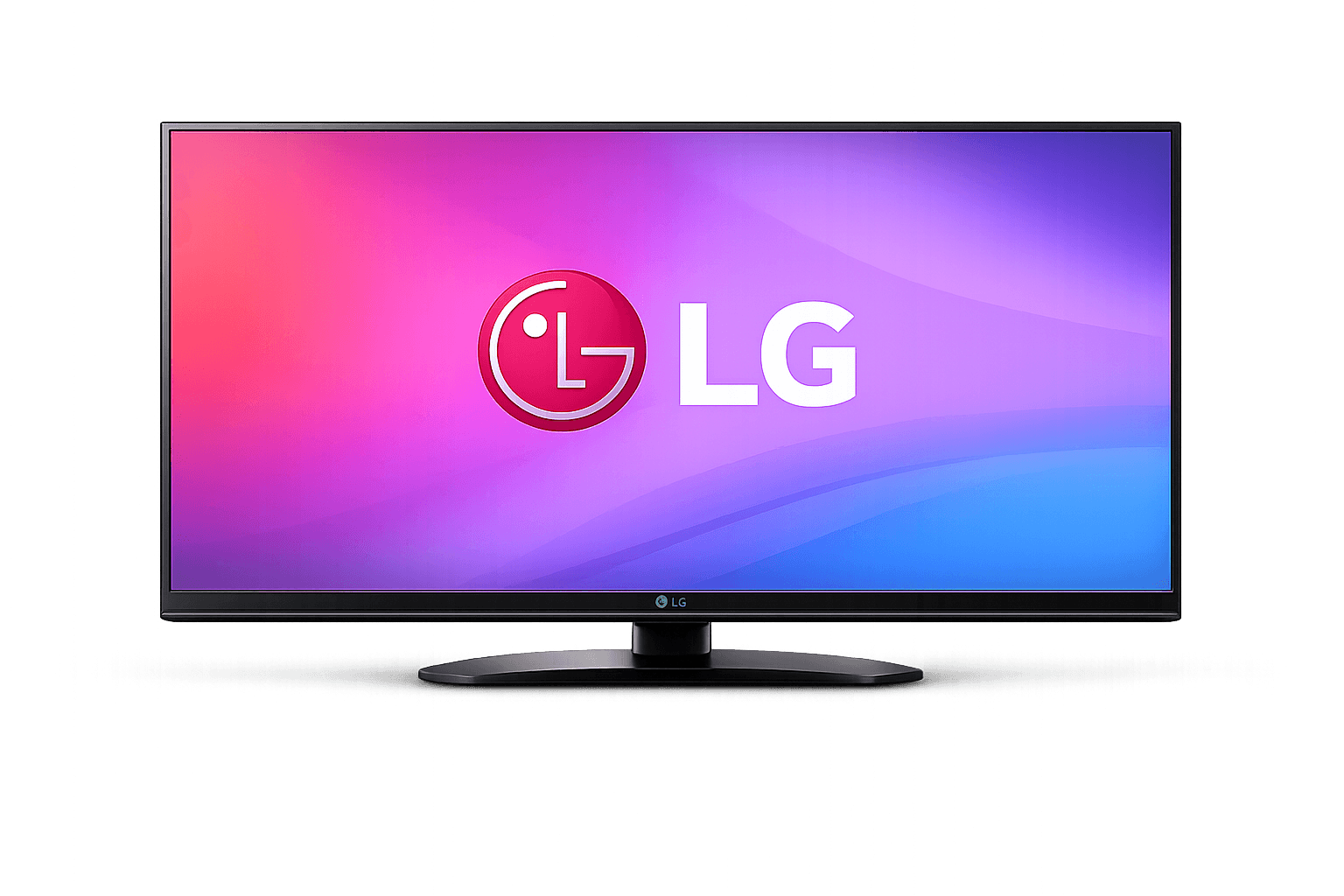
Yes, LG Smart TV users in Canada can use IPTV through compatible webOS IPTV player apps such as IBO Player, SmartOne IPTV, IPTV Smarters, or similar apps depending on the TV model and LG Content Store availability. LG TVs use webOS, so some Android IPTV apps like TiviMate are not normally installed directly on LG TV.
What This LG TV IPTV Guide Covers
Everything you need to choose the best LG IPTV setup in Canada.
Best IPTV Apps for LG TV Canada
These are the most common IPTV player options for LG Smart TV users.
IBO Player
A popular Smart TV IPTV player option for LG users. It is commonly used when users want a simple app directly on the TV.
SmartOne IPTV
Another common LG Smart TV option. Availability can depend on TV region, model, and LG Content Store rules.
IPTV Smarters
A flexible IPTV player used across many devices. It can be a good choice when available for your LG TV model.
Why LG TV IPTV Setup Is Different
LG Smart TVs run on the webOS operating system, not Android TV. This means Android IPTV apps such as TiviMate are not normally installed directly on LG TVs. Instead, LG users usually choose IPTV apps available through the LG Content Store or use an external streaming device.
This is important because many IPTV tutorials are written for Firestick or Android TV. If you have an LG TV, your best app depends on what the LG Content Store supports. If your preferred app is not available, using a Firestick or Android TV box can give you more app flexibility.
For a full app comparison, read our Best IPTV Apps Canada guide.
How to Set Up IPTV on LG TV in Canada
Step 1: Check the LG Content Store
Open the LG Content Store and search for IPTV apps such as IBO Player, SmartOne IPTV, or IPTV Smarters. App availability can vary by model and region.
Step 2: Install the IPTV Player App
Install the app that works best for your LG TV. The app itself is usually only a player and does not provide channels by itself.
Step 3: Add Your IPTV Login Details
Your IPTV provider should give you the correct login format, playlist link, or device activation details required by the app.
Step 4: Test Before Choosing a Long Plan
Before choosing a long-term plan, request a Free IPTV Trial Canada to confirm app compatibility, playback, channel loading, and EPG.
LG TV App vs Firestick Setup
If your LG app store feels limited, an external device can be a better option.
LG TV App
Best if you want a simple setup directly on your TV. Good for users who do not want an extra device, but app availability can be limited.
Firestick Upgrade
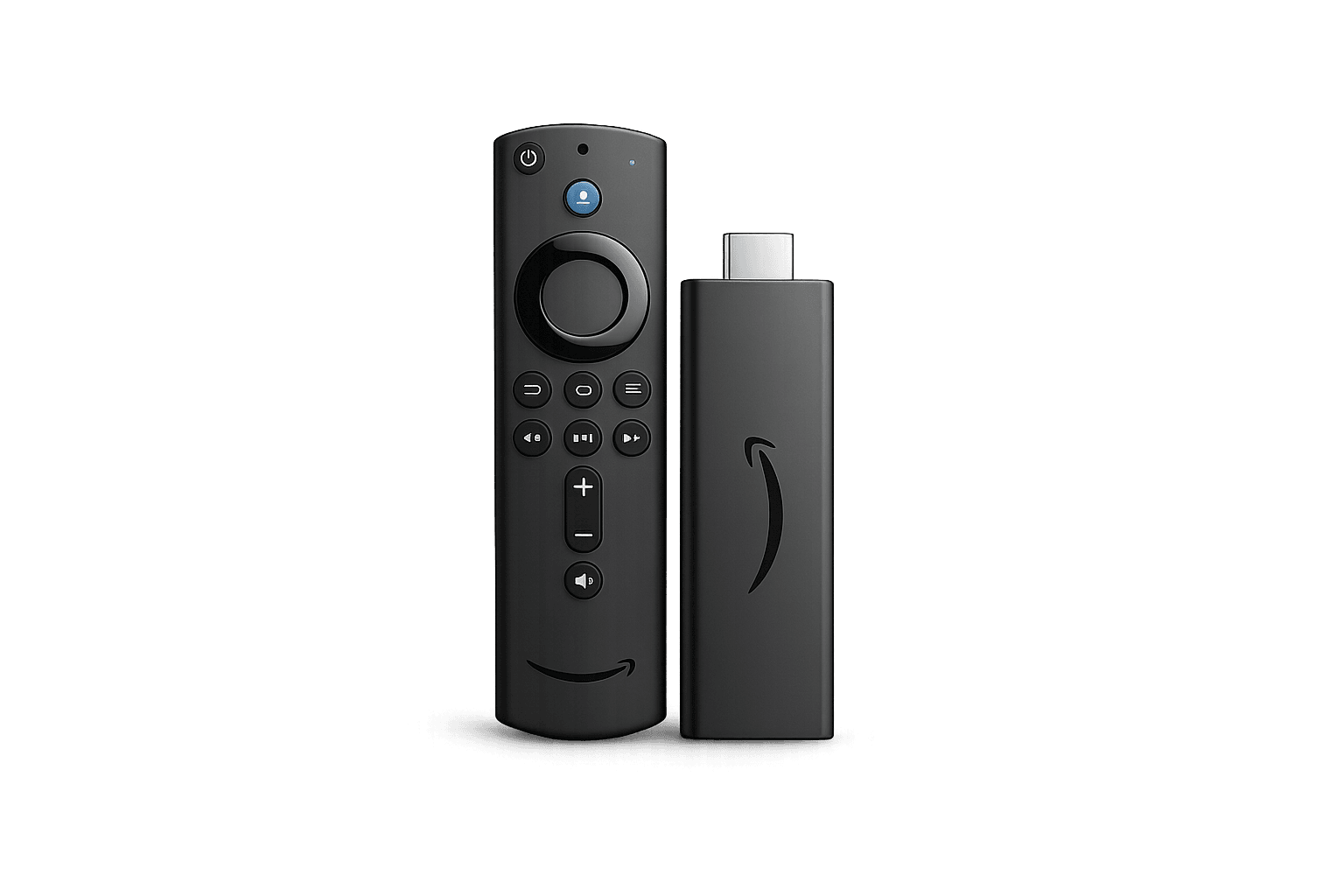
Best if you want more IPTV app options such as TiviMate or IPTV Smarters. Firestick can give a smoother and more flexible IPTV experience.
Common LG IPTV Problems
Most issues are related to app availability, login details, or internet connection.
App Not Found
Your LG TV model or region may not support the app. Try another Smart TV IPTV player or use Firestick.
Login Failed
Check your username, password, playlist URL, server URL, or MAC/device activation details.
Buffering
Restart your router, test internet speed, use 5GHz Wi-Fi or Ethernet, and close unused TV apps.
No EPG
Refresh the guide and confirm that your IPTV provider supports EPG for your app.
Black Screen
Try restarting the app, checking the playlist, or testing the same login on another IPTV player.
Slow App
Restart the TV, update the LG software, and remove unused apps where possible.
| LG IPTV Option | Best For | Ease | Flexibility |
|---|---|---|---|
| IBO Player | Smart TV direct setup | Easy | Medium |
| SmartOne IPTV | LG Content Store users | Easy | Medium |
| IPTV Smarters | Mixed device users | Medium | High |
| Firestick + TiviMate | Best premium IPTV experience | Medium | Very High |
Test IPTV on Your LG TV
Try your LG TV app first, confirm playback and compatibility, then choose the plan that fits your home setup.
IPTV for LG TV Canada FAQ
Common questions about LG Smart TV IPTV setup.
Can I install IPTV on LG Smart TV?
Yes. You can use IPTV on LG Smart TV through compatible IPTV player apps such as IBO Player, SmartOne IPTV, or IPTV Smarters depending on your TV model and app store availability.
Does TiviMate work on LG TV?
TiviMate is mainly for Android-based devices and is not normally installed directly on LG webOS TVs. You can use a Firestick or Android TV box if you want to use TiviMate.
What is the best IPTV app for LG TV?
IBO Player, SmartOne IPTV, and IPTV Smarters are common options for LG TV users. The best choice depends on what is available on your TV model.
Is Firestick better than LG TV apps for IPTV?
Firestick can be better if you want more IPTV app options and a smoother interface. LG TV apps are simpler because they work directly on the TV.
Should I test IPTV before buying?
Yes. A free trial helps you confirm app compatibility, login format, playback quality, and internet stability before choosing a plan.
Continue Learning
Use these pages to compare apps, plans, and setup options.